Changes sync through Fleet
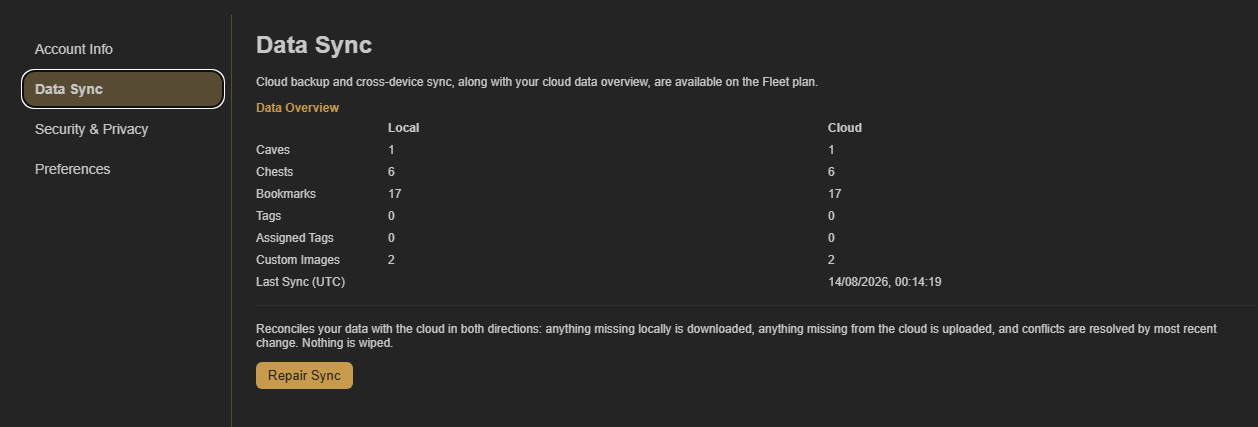
Fleet automatically syncs changes to bookmarks, Caves, Chests, and settings. Keep the browser online and allow a moment for the change to reach the cloud and your other connected device.
Confirm both sides use the same Fleet account
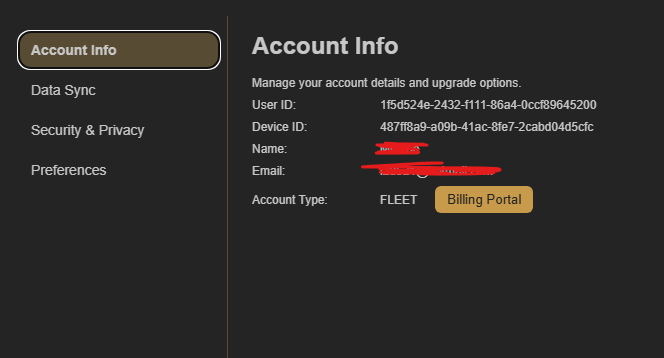
Open Account Settings and select Account Info on both devices. The email shown must be the same Fleet email.
Repair sync if the change still does not appear
In Account Settings → Data Sync, select Repair Sync to reconcile the two copies of your collection. CoW downloads items missing from the device, uploads items missing from the cloud, and does not wipe either copy.