Chrome bookmarks are a good fit for many people
Chrome bookmarks provide the basic saving, folders, search, and organization that cover most people’s needs. If your collection is small and simple, Chrome may be all you need.
CoW is for a more personal bookmark collection
Caves of Wonders (CoW) gives people who want more control a personal space for their links: separate Caves, nested Chests, tags, custom layouts, backgrounds, and a New Tab experience built around their collection. It is for people with a little more taste and a sense for quality, without asking them to give up their existing Chrome bookmarks.
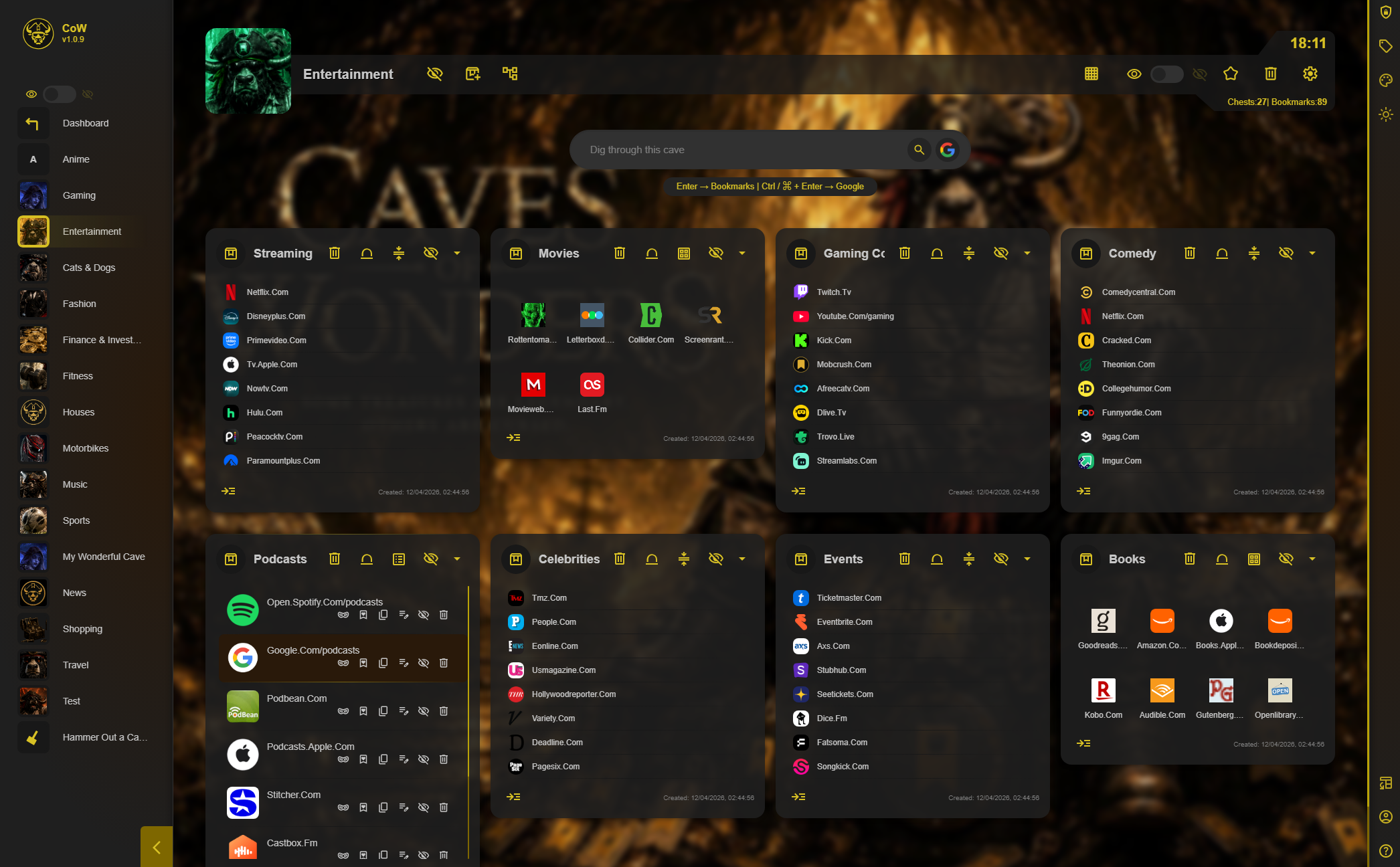
See how CoW keeps Chrome bookmarks unchanged.
Use a Tab Snapshot before committing links to bookmarks
Bookmarks are best for pages you want to keep and organize for the long term. If you are only comparing products, researching a topic, or working through a temporary set of pages, save the open window as a Tab Snapshot instead of creating a bookmark for every tab.
Open the Caves of Wonders (CoW) toolbar popup and select Save All Open Tabs. Confirm the tab count to save the current window as one reusable session.
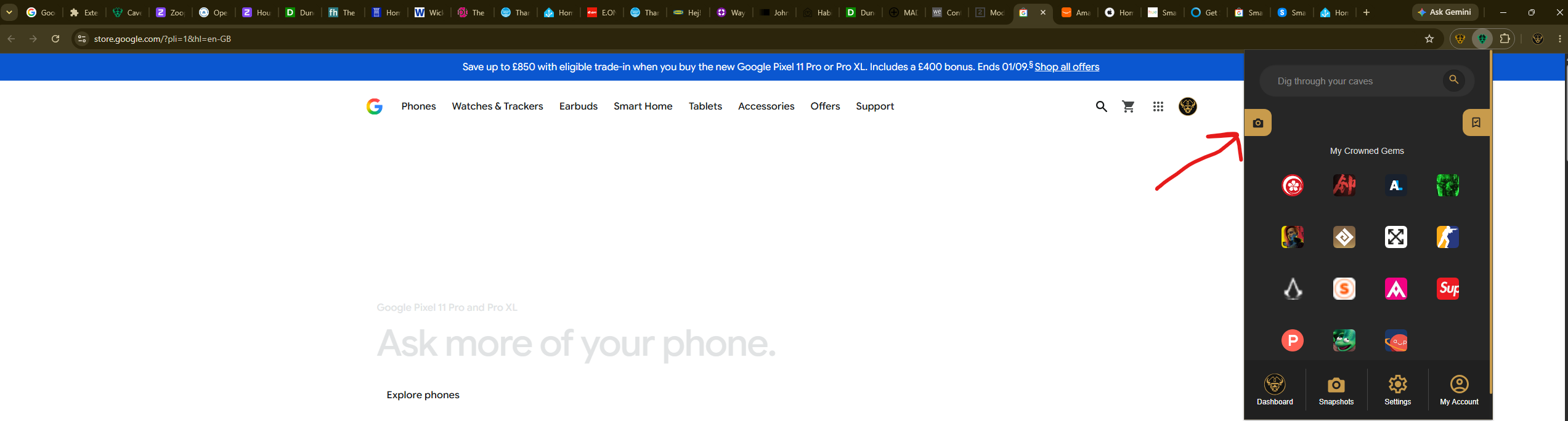
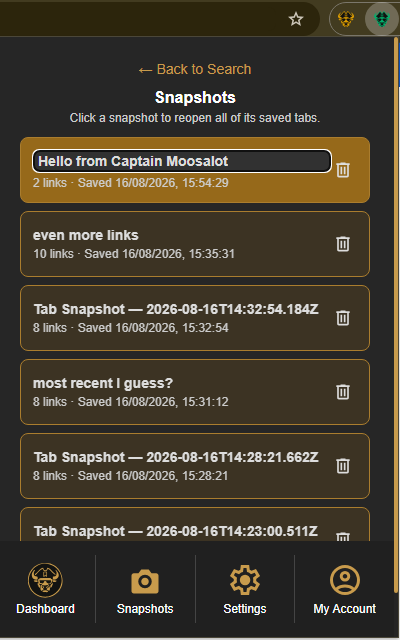
When you need those pages again, select Snapshots in the popup navigation. Choose the saved session card to reopen all of its links at once.