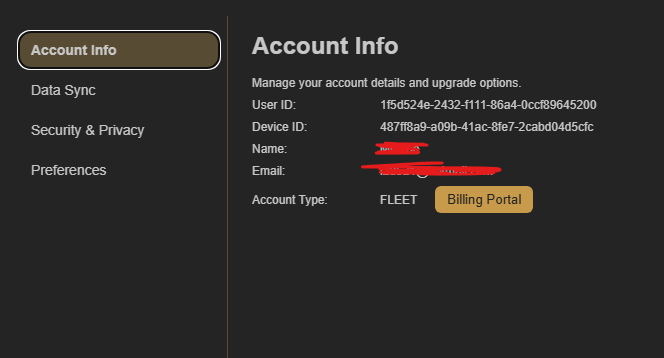
Confirm that both browsers use Fleet
Fleet automatically keeps one CoW collection across connected devices and supported Chromium browsers. Deckhand and Captain keep their data on the local device, so they do not sync between browsers.
Check the account on each browser
Open Account Settings and select Account Info in both browsers. The email shown there must be the same Fleet email in each browser. If one browser missed Fleet setup, reinstall CoW there and complete setup again.