Check your account type
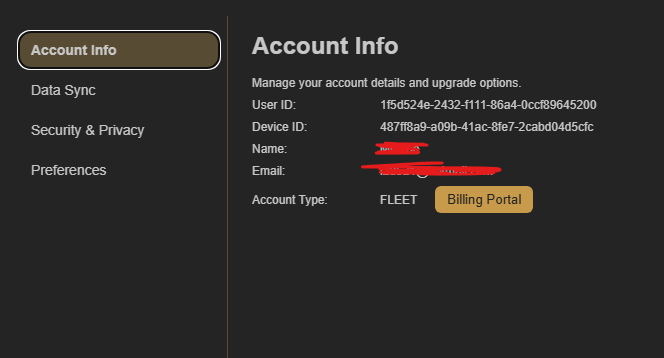
Open Account Settings → Account Info and check the Account Type shown there. It should say Captain or Fleet after your purchase is active.
Wait up to five minutes after purchasing
If you have just purchased Captain or Fleet, allow up to five minutes for the account change to reach CoW.
Restart your browser
If the account type is correct but the features are still unavailable, close and restart your browser. This normally refreshes CoW and resolves the problem.
Contact support if the problem remains
If you still cannot access your Captain or Fleet features after restarting the browser, contact CoW support.