Caves of Wonders (CoW) does not delete your existing Chrome bookmark folders. You can keep them in your browser and import a copy into Caves of Wonders (CoW) when you are ready.
Import during setup
When you install Caves of Wonders (CoW) from the Chrome Web Store, setup gives you the option to import bookmarks from Chrome’s built-in bookmark manager.
Keep the structure you already know
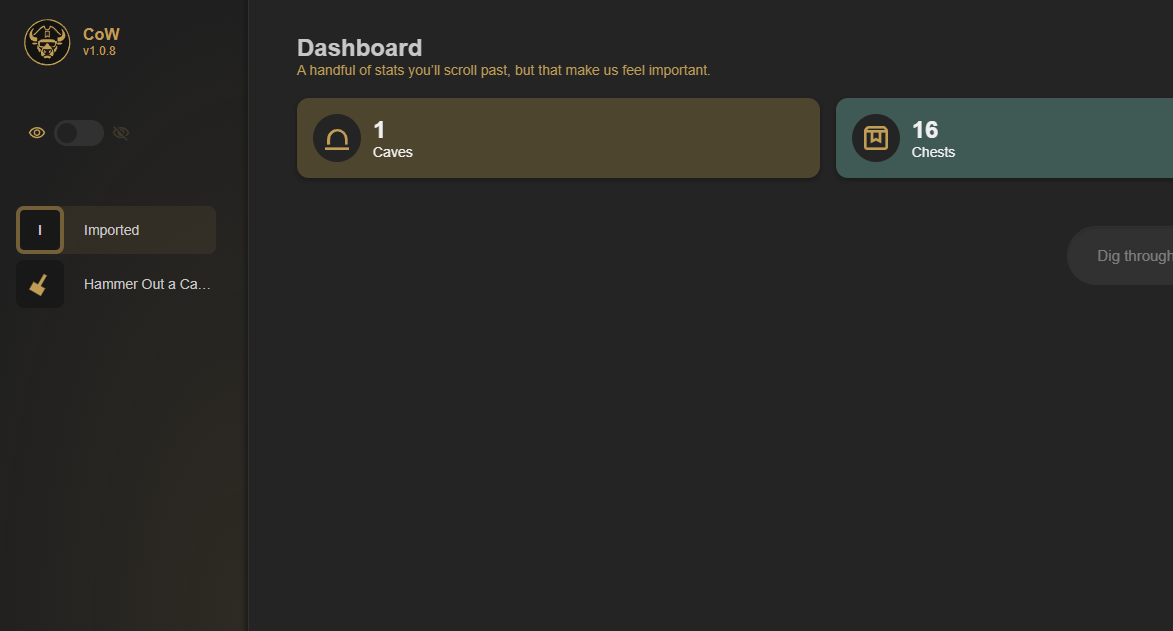
Caves of Wonders (CoW) creates an Imported Cave for the bookmarks you bring over. Your existing bookmark folders become Chests, so you can continue with a familiar structure rather than rebuilding everything.
Import later if you skip setup
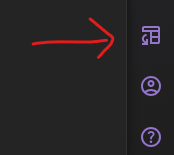
Open the right sidebar and select Import Bookmarks. Caves of Wonders (CoW) creates another Imported Cave that you can organize when you are ready.