Drag the Chest onto its new Cave
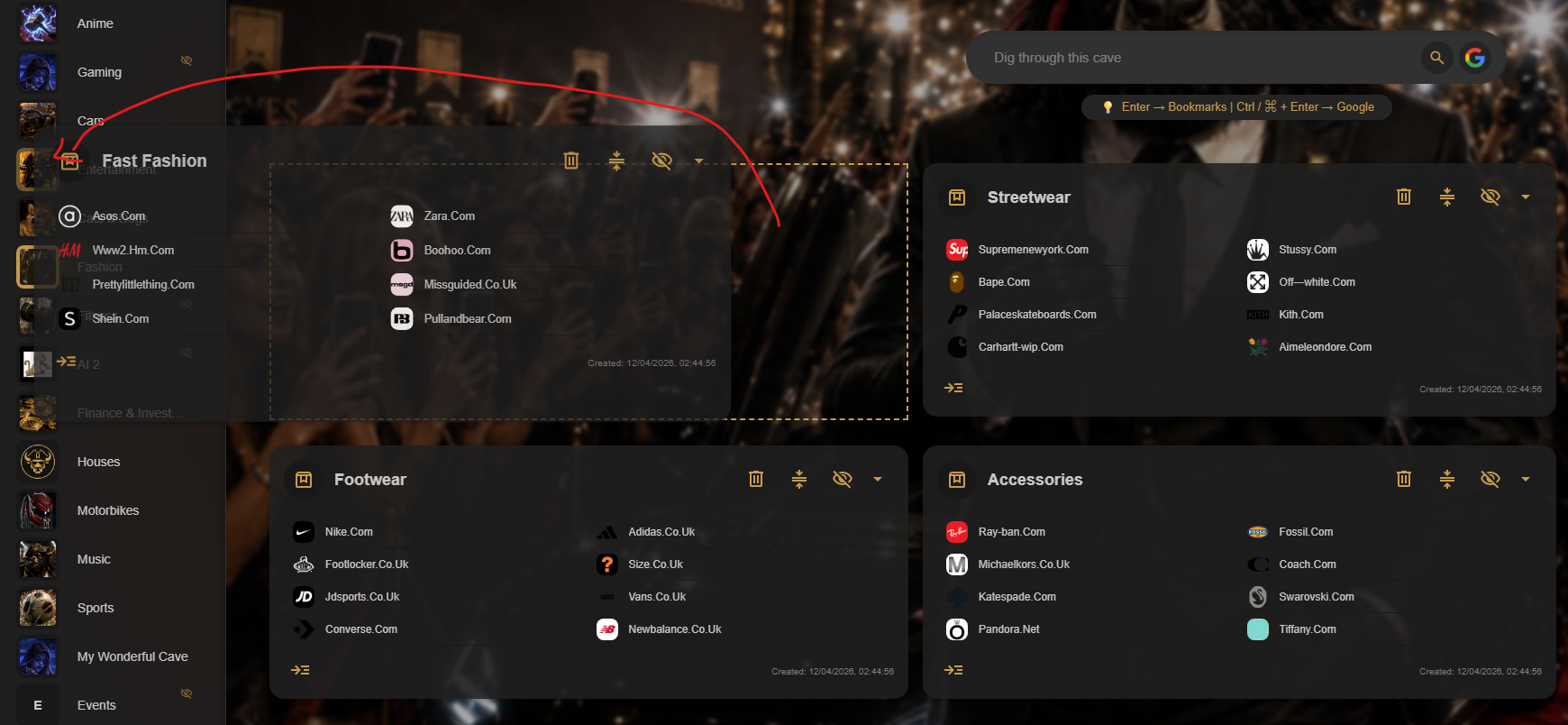
Hover over the Chest icon, then select and hold it. Drag the Chest over the Cave you want to move it into in the sidebar, and release it when that Cave is highlighted.
Keep the Chest and its contents together
Moving the Chest transfers its structure and the bookmarks inside it to the new Cave, so you can reorganize a collection without rebuilding the folder.