Drag a Cave to its new position
In the Cave sidebar, select and hold the Cave icon you want to move. Drag it up or down the list until it reaches the position you want, then release it.
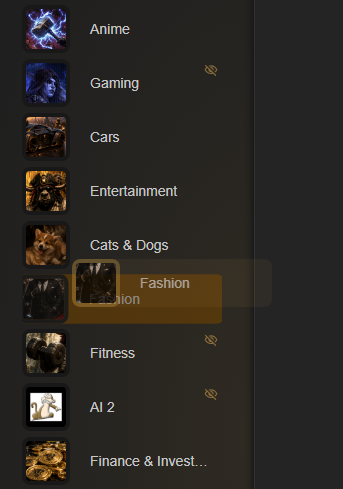
Put your most-used collections first
Reordering does not change the bookmarks inside a Cave. It only changes the order in which your collections appear, making frequent Caves quicker to reach.