Search Google while you are in a Cave or Chest
When you are viewing a Cave or working inside a Chest, use the search bar at the top of the Cave. Type your search, then press Ctrl + Enter on Windows or Command + Enter on a Mac to open the query in Google.
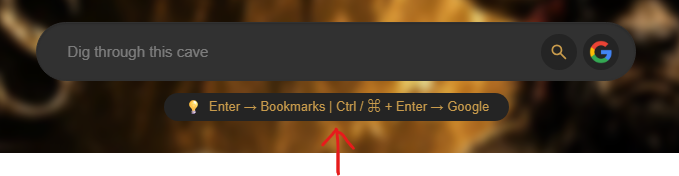
Use the same shortcut from the Dashboard
The Dashboard search bar works the same way. It lets you look through your bookmark collection normally, or send a web search to Google with the keyboard shortcut when you need information beyond your saved links.

Google search is currently the available web-search option
CoW currently uses Google for web searches. More search engines may be added in the future.