Install CoW in the new browser
Install Caves of Wonders (CoW) from the Chrome Web Store in the Chromium-based browser you want to use.
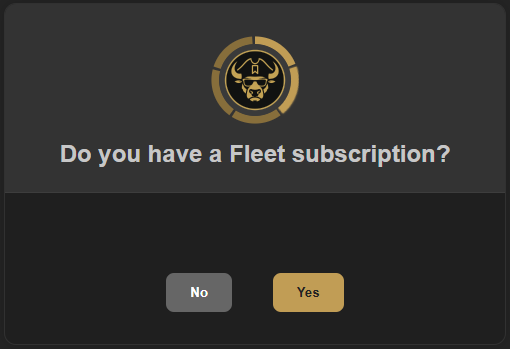
Tell setup that you already use Fleet
During the first setup on the new browser or device, choose Yes when CoW asks whether you have a Fleet subscription. This tells CoW to connect an existing multi-device collection instead of starting a separate local one.
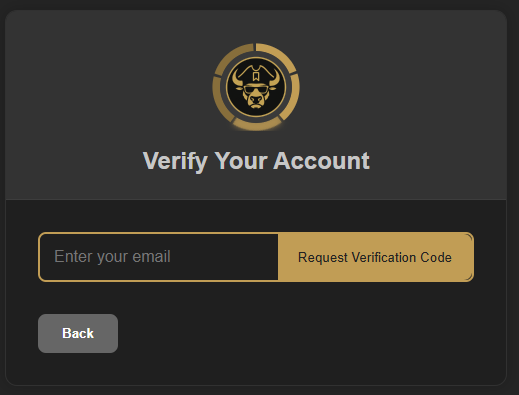
Verify the account that owns your collection
Enter the email address associated with your Fleet account and request a verification code. Complete the verification to make the current device part of that synced collection.
Finish this before setup ends
The account connection is part of the installation flow. If you pass it by, remove and reinstall CoW on that device to begin setup again and connect the existing Fleet account.