Fleet is CoW's multi-device account type
Fleet is the CoW account type for people who want one bookmark collection across more than one browser or device. It automatically syncs your Caves, Chests, and bookmarks between connected devices.
Connect your existing Fleet account during setup
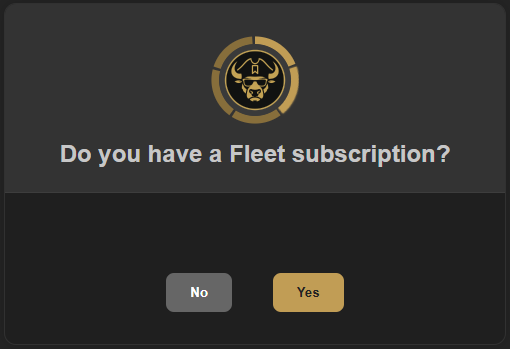
When you install CoW on a new device, setup asks whether you have a Fleet subscription. Select Yes to connect the device to your existing Fleet account.
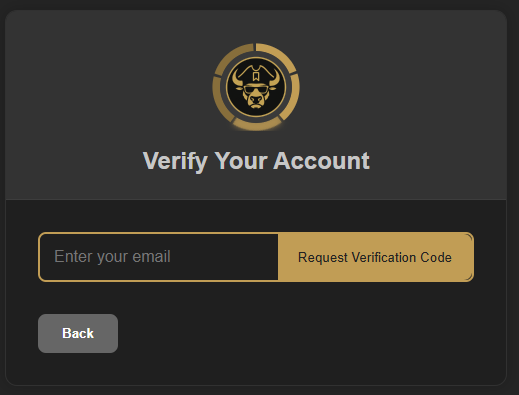
Next, enter the email address for your Fleet account and request the verification code. Follow the verification steps to complete the connection and bring over your synced collection.
Do not skip this step on a new device
Connecting an existing Fleet account must be completed during setup. If you select No or skip the Fleet step, remove the CoW extension and reinstall it to start setup again and connect your account.
Your synced cloud data is protected
Fleet data stored in the cloud is encrypted at rest.