Open Speed Dial from the Dashboard
Speed Dial lives on the Caves of Wonders (CoW) Dashboard. It puts your most-used links behind numbered buttons, so you can open a favorite without searching through a Cave or Chest.
Add a favorite to a shortcut
Mark the bookmark as a favorite first, then drag it onto the Speed Dial number where you want it. The assignment can be changed whenever your priorities change.
Pick a layout and shortcut range
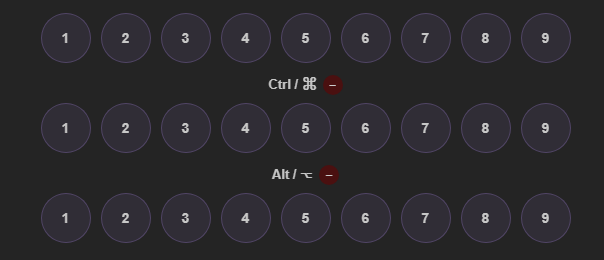
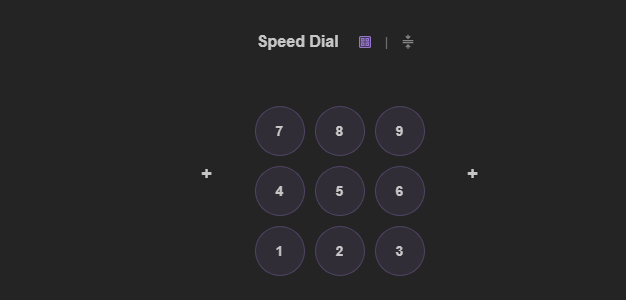
Use a keypad or a row-based layout, with shortcuts numbered 1 through 9. The free Deckhand plan includes one Speed Dial pad. Captain and Fleet plans add two more sets, using Ctrl or Command + a number and Alt + a number.