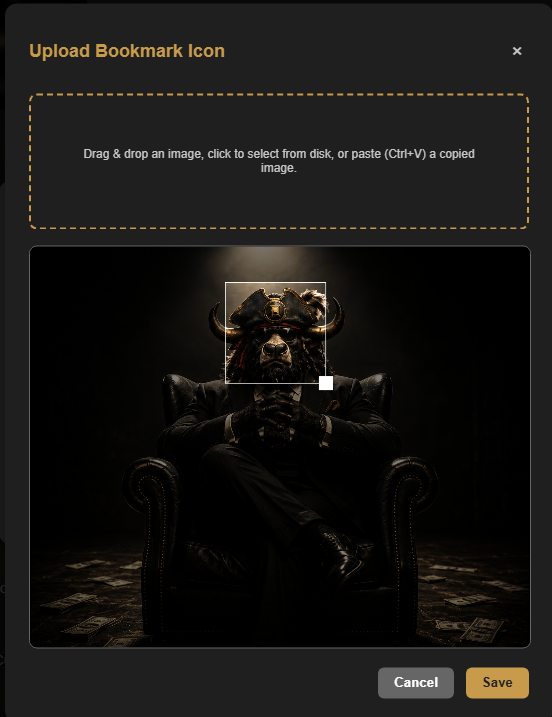
Open the bookmark editor
Select Edit on the bookmark you want to change. In the Edit Bookmark window, Captain and Fleet users can choose a custom image for the bookmark icon, including a GIF image.
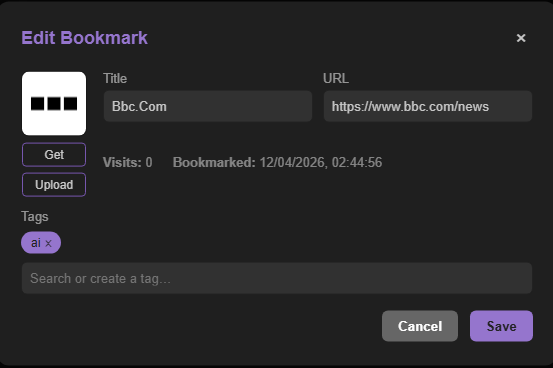
Use an icon that is easy to recognize
By default, CoW uses the website favicon when one is available. Custom bookmark images, including GIF images, are available only to Captain and Fleet users when a different icon makes the link easier to spot. When you upload an image, you can resize the selection and choose the part of the image that becomes the bookmark icon.