Open the Cave icon control
Captain and Fleet users can customize a Cave icon. Hover over the Cave icon until the edit button appears, then select it to open the upload window.
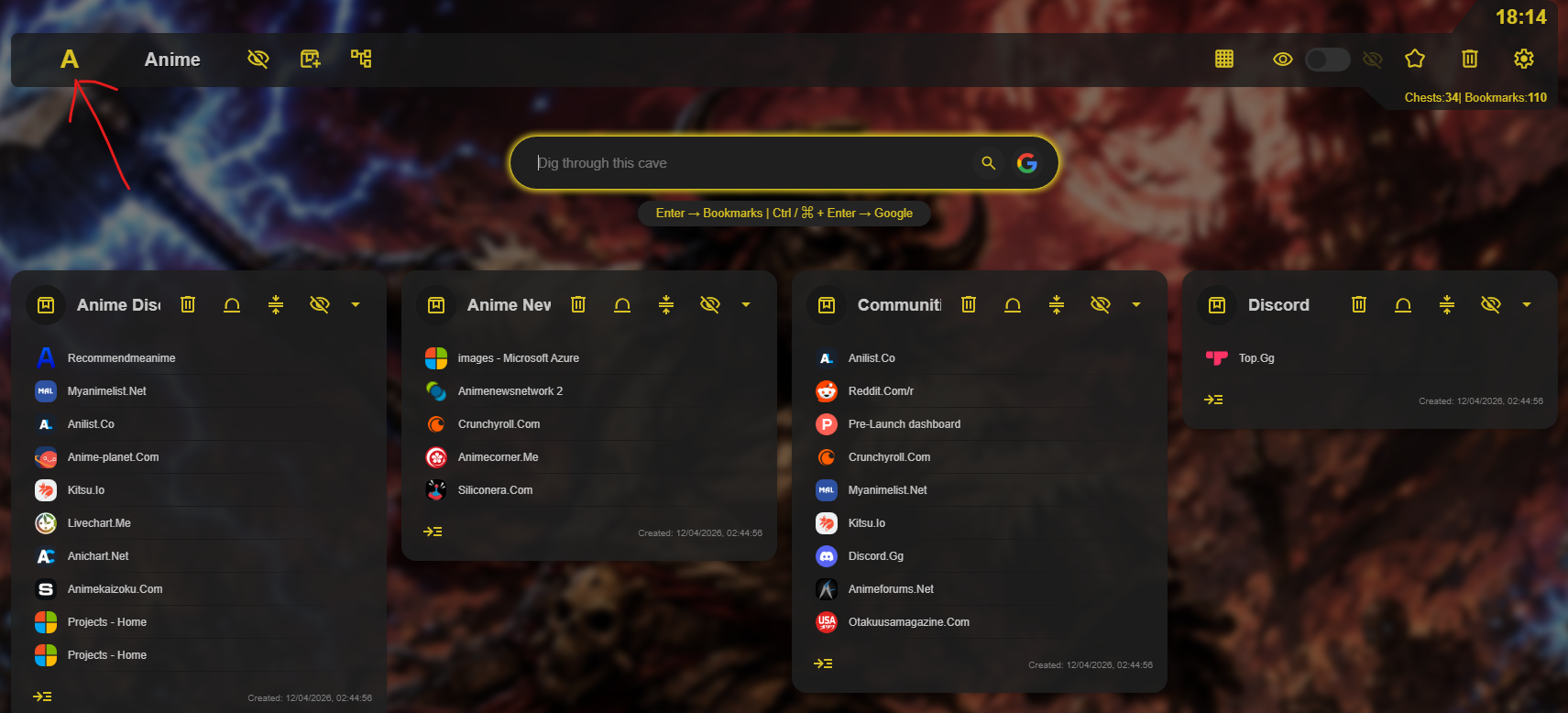
Upload and crop your image
In the upload window, drag and drop an image, select one from your device, or paste a copied image. Once the image is in place, use the crop tool to select the area you want to use as the Cave icon, then save.
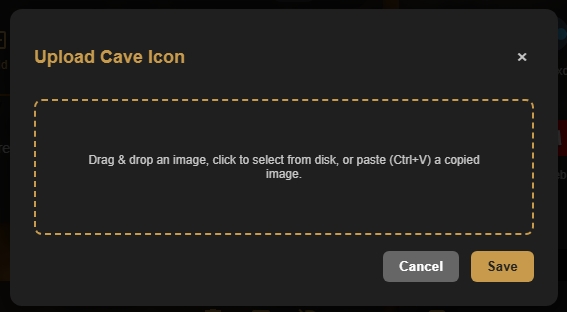
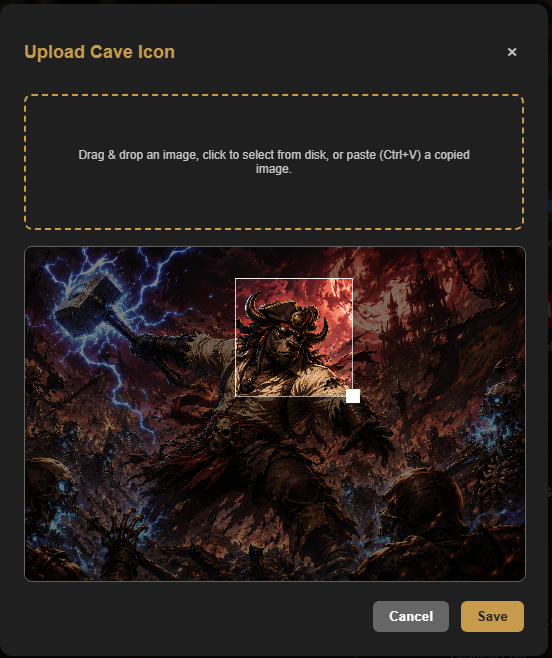
Make each Cave recognizable
A distinct icon helps you quickly identify a Cave in the sidebar, especially when you use several collections.