Use your own Cave icon
Captain and Fleet users can change a Cave icon to their own image or GIF. Select the Cave icon button to open the upload window, choose an image, use the resize handle to adjust it, and select Save. 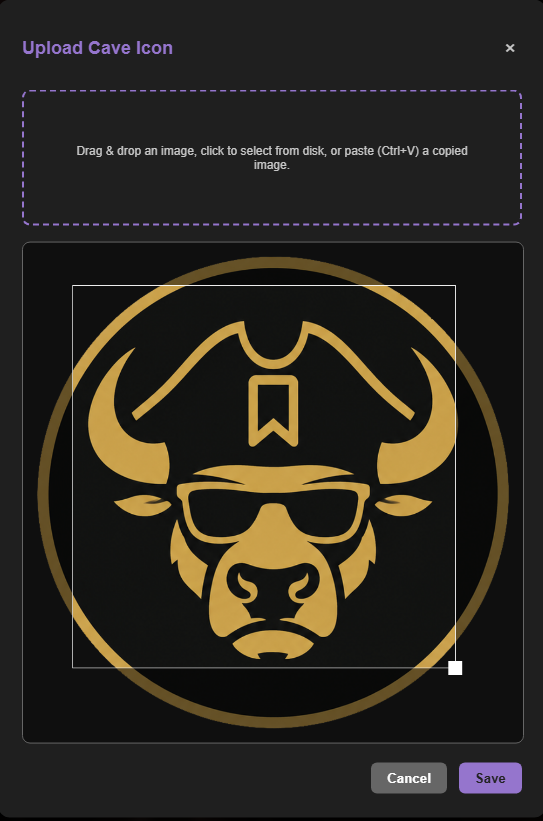
Change the Cave background
Captain and Fleet users can open Background Settings from the Cave’s top toolbar, then select Change Background. 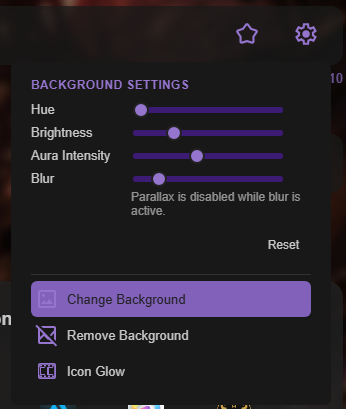
From the same menu, you can adjust the background hue, brightness, aura intensity, and blur.
Turn on Cave icon glow
Select Icon Glow in Background Settings to enable the effect for a Cave. 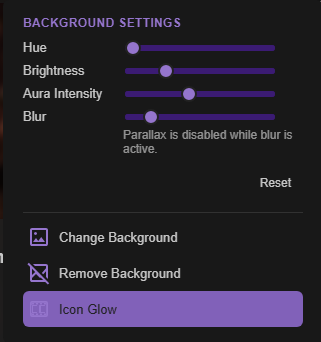
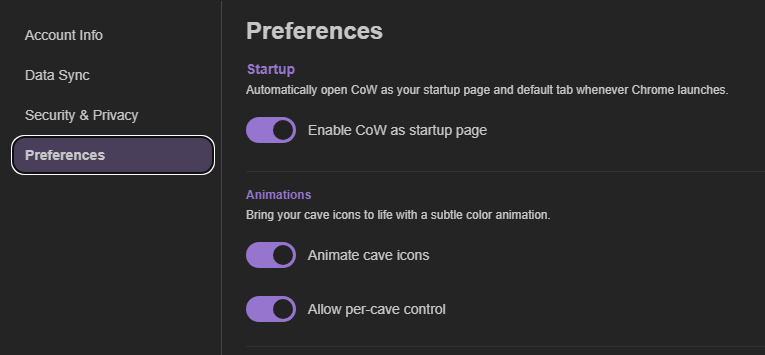
To use Cave icon glow, open Account Settings in the bottom-right corner and select Preferences. Under Animations, enable Animate Cave Icons. You can turn animation on globally or allow control for each individual Cave.