Turn a Cave background into a screensaver
When Screensaver is enabled, CoW uses the current Cave's background image as a browser-level screensaver after you have been idle for the time you choose. It runs inside CoW only; it does not replace or control your computer's desktop screensaver.
The Cave remains visible while you are using CoW.
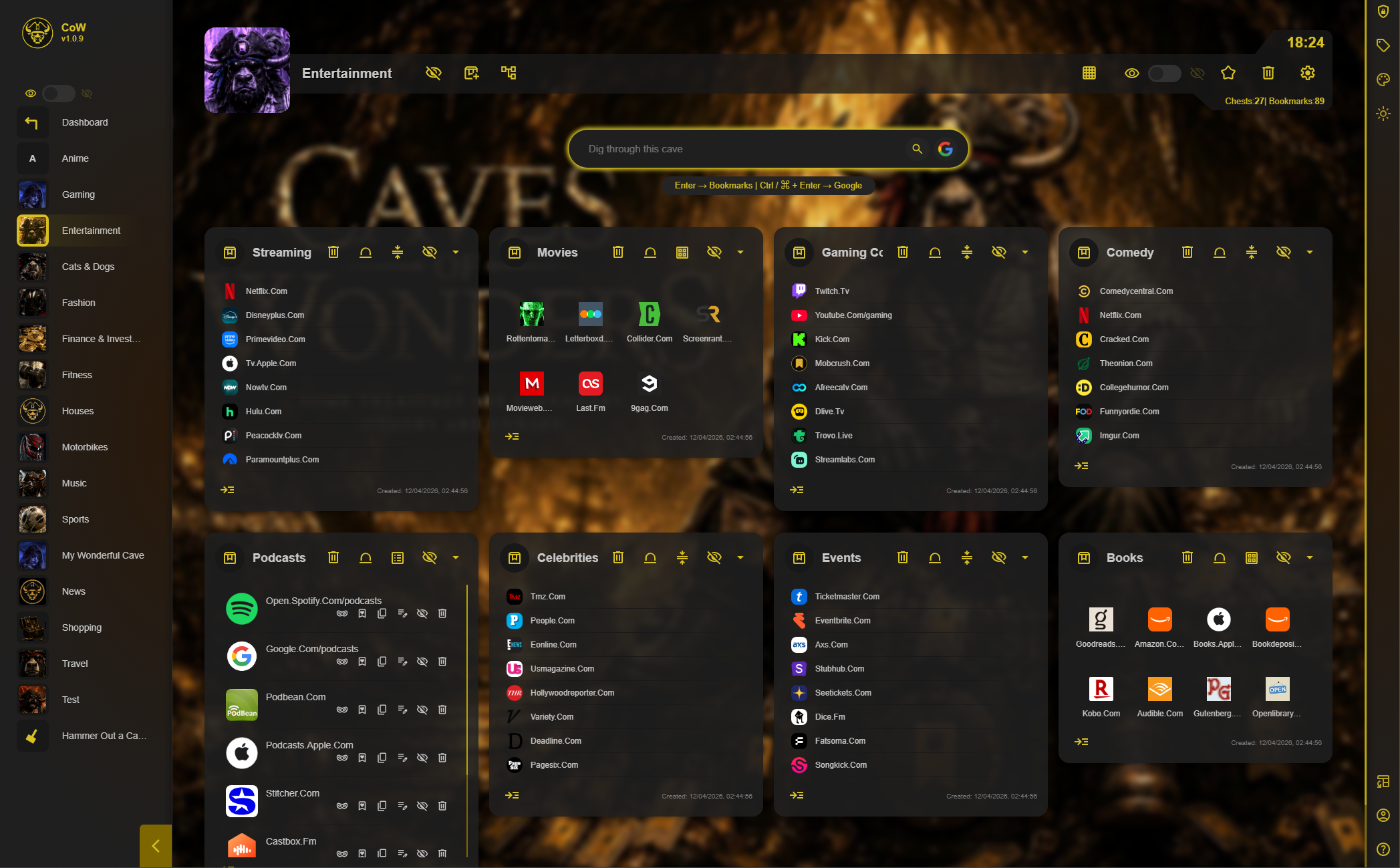
After the selected idle time, the interface gives way to the Cave background.

Choose when it starts
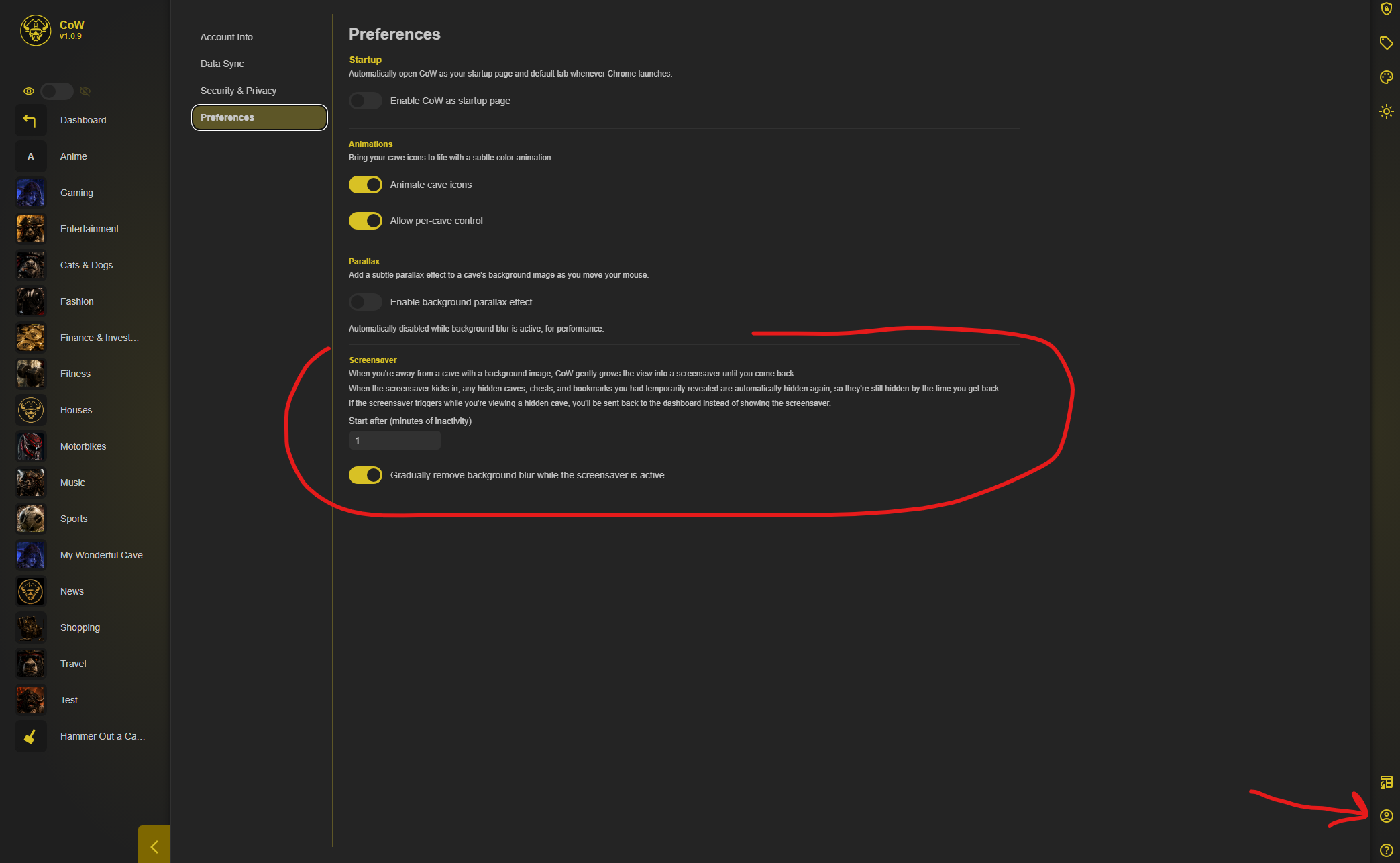
Open Account Settings → Preferences and set the number of minutes of inactivity before the screensaver starts. You can also choose whether CoW gradually removes background blur while the screensaver is active.