Give every part of your life its own space
A Cave is a top-level space for organizing bookmarks. Create Caves for work, hobbies, entertainment, study, or anything else that deserves its own place.
Every plan, including the free Deckhand plan, includes unlimited Caves. Each Cave can contain unlimited Chests and bookmarks.
Create a Cave
Select Hammer Out a Cave in the left sidebar to create a new Cave. 
Search and arrange each Cave
Search within a Cave to find its bookmarks. Hidden bookmarks, and bookmarks inside hidden Chests, are excluded from search results.
Each Cave has three layout options: two, three, or four sections. Choose the layout that works best for your screen size. 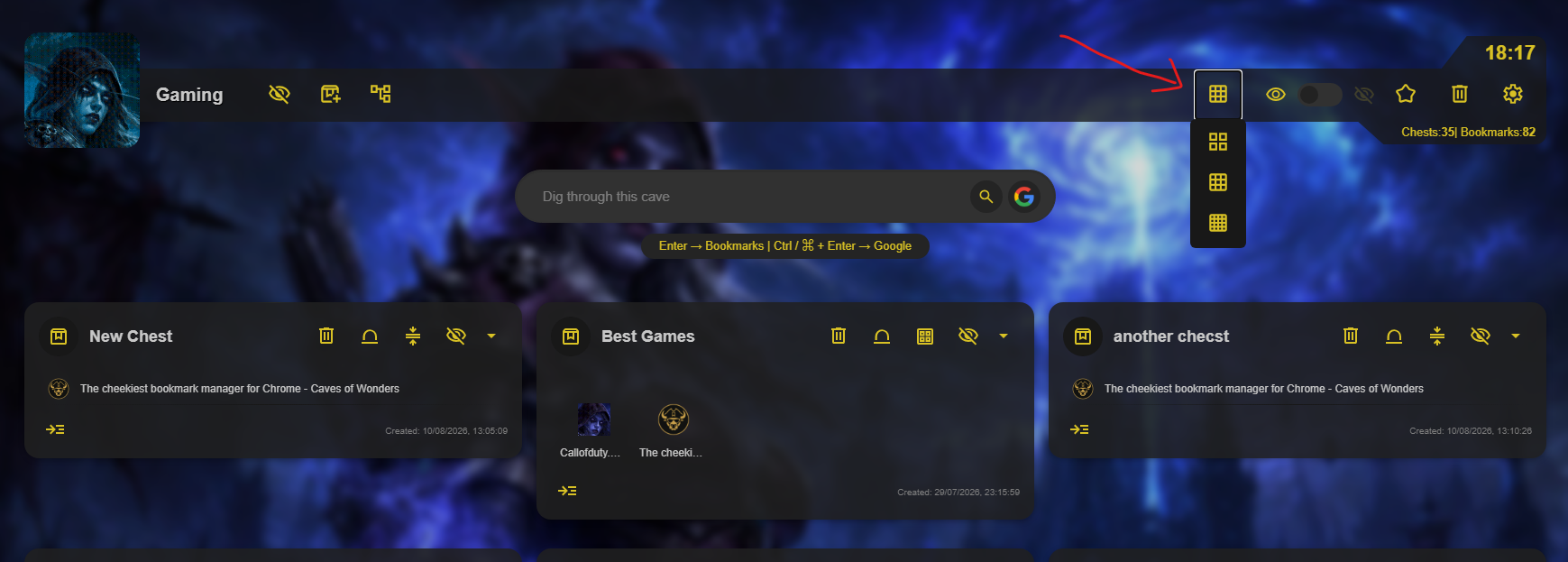
Make a Cave feel like yours
Captain and Fleet users can select a Cave’s icon to change it. 
Use Background Settings to choose a new background image. 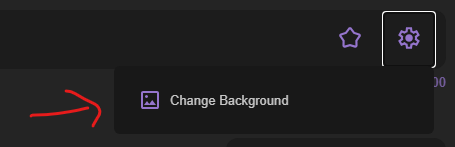
You can also adjust background hue, brightness, aura intensity, and blur. 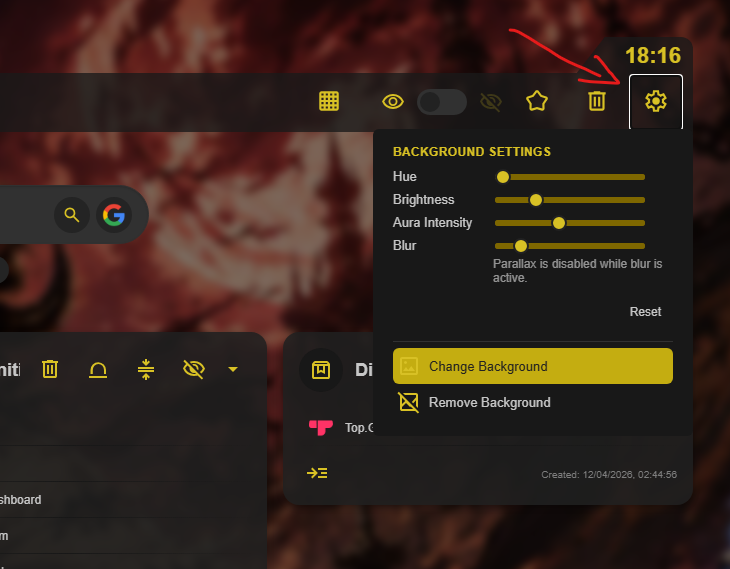
Control what you see
Captain and Fleet users can hide and unhide Caves, or protect a Cave with a password.
You can also set a Cave as the default one shown in a new tab. Select the star button in the Cave toolbar. 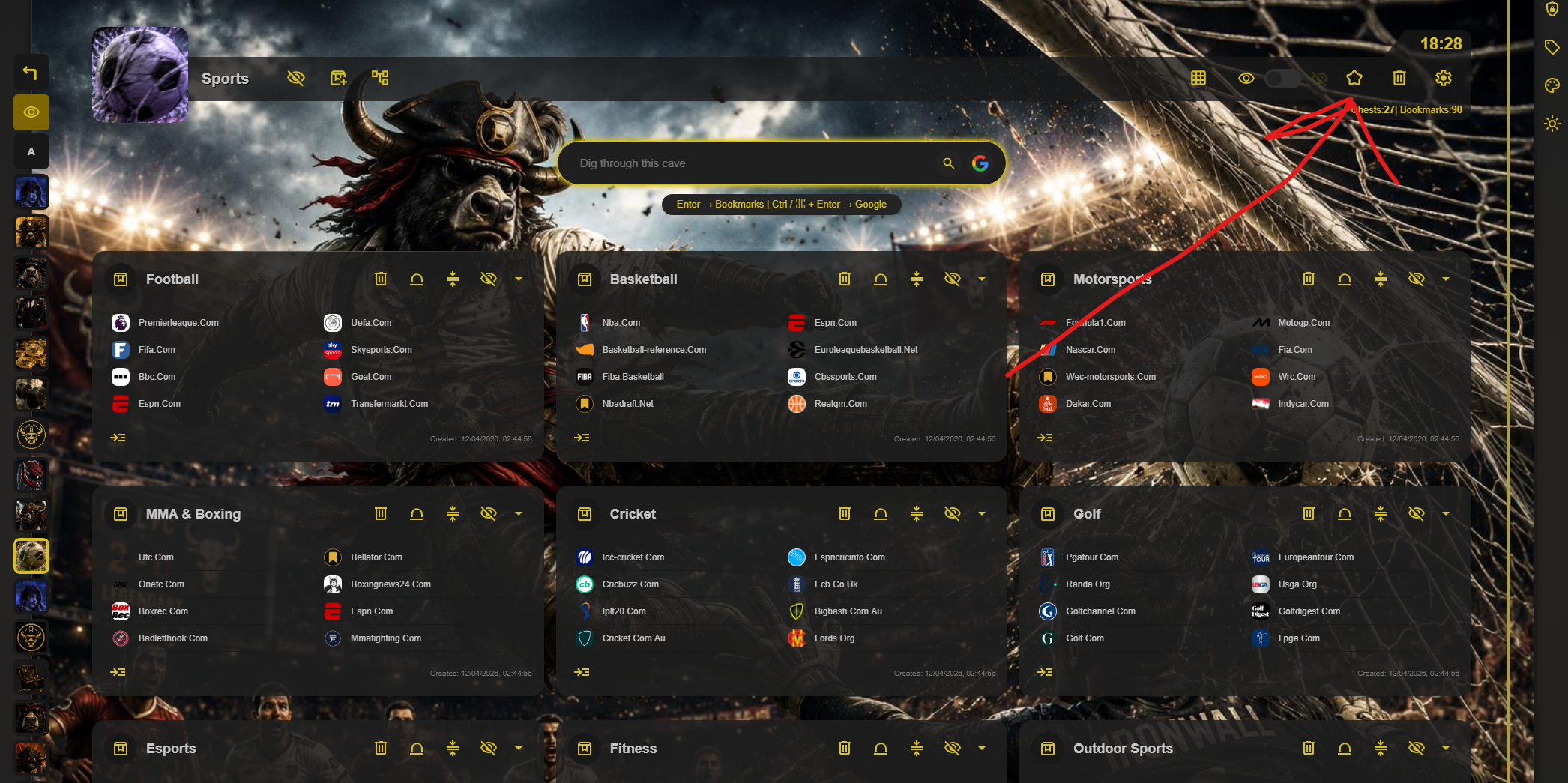 This setting is local, so different devices and browsers can open different default Caves.
Reorder your Caves
Change the order of your Caves by holding and dragging a Cave to its preferred position in the sidebar.