Folders with room to grow
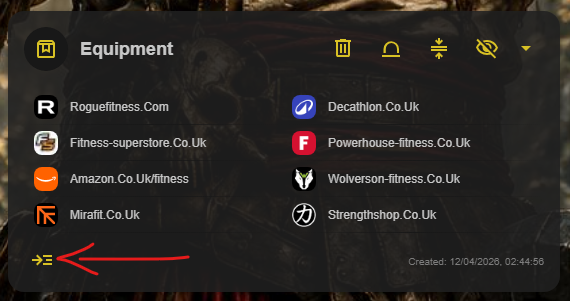
A Chest is the equivalent of a folder in a standard bookmark manager. Create unlimited Chests within a Cave, then add unlimited inner Chests and bookmarks to each one.
All users, including those on the free Deckhand plan, can create unlimited Chests.
Choose how bookmarks are displayed
Each Chest has three display modes: icon layout, list layout, and compact list layout. Choose the option that makes the most sense for the bookmarks you are viewing. 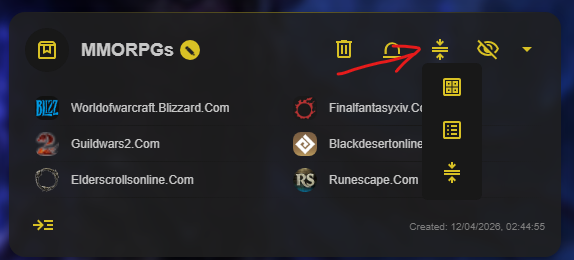
Open inner Chests
To view an inner Chest, select the collapse and expand button, then switch to Chest view. 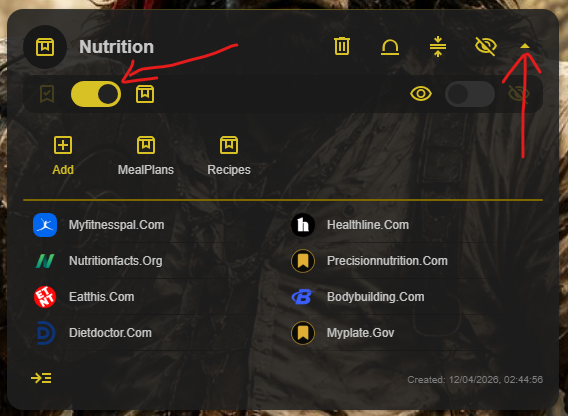
Hide a Chest when you need to
You can hide or unhide a Chest. To view hidden Chests, turn on Show All Chests. 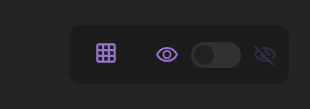
Reorganize by dragging
Drag the Chest icon and move the Chest to its preferred position. 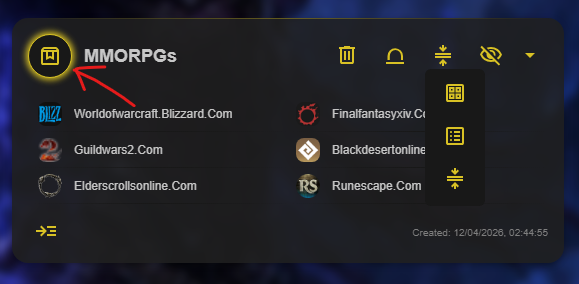
Give a growing Chest its own Cave
When a Chest becomes too large to manage comfortably, select the Convert to Cave control in the Chest toolbar. The Chest becomes a Cave and keeps its existing name, with its bookmarks together in the new Cave. 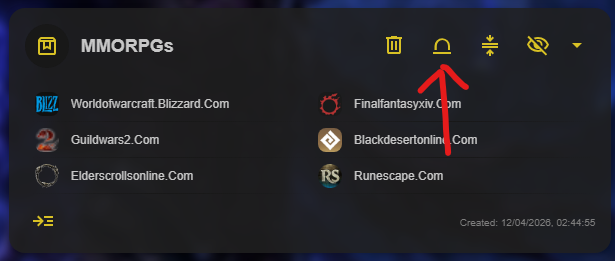
See the whole structure with Chest Map
Select the Chest Map button at the top of a Cave for a tree view of its entire Chest structure. 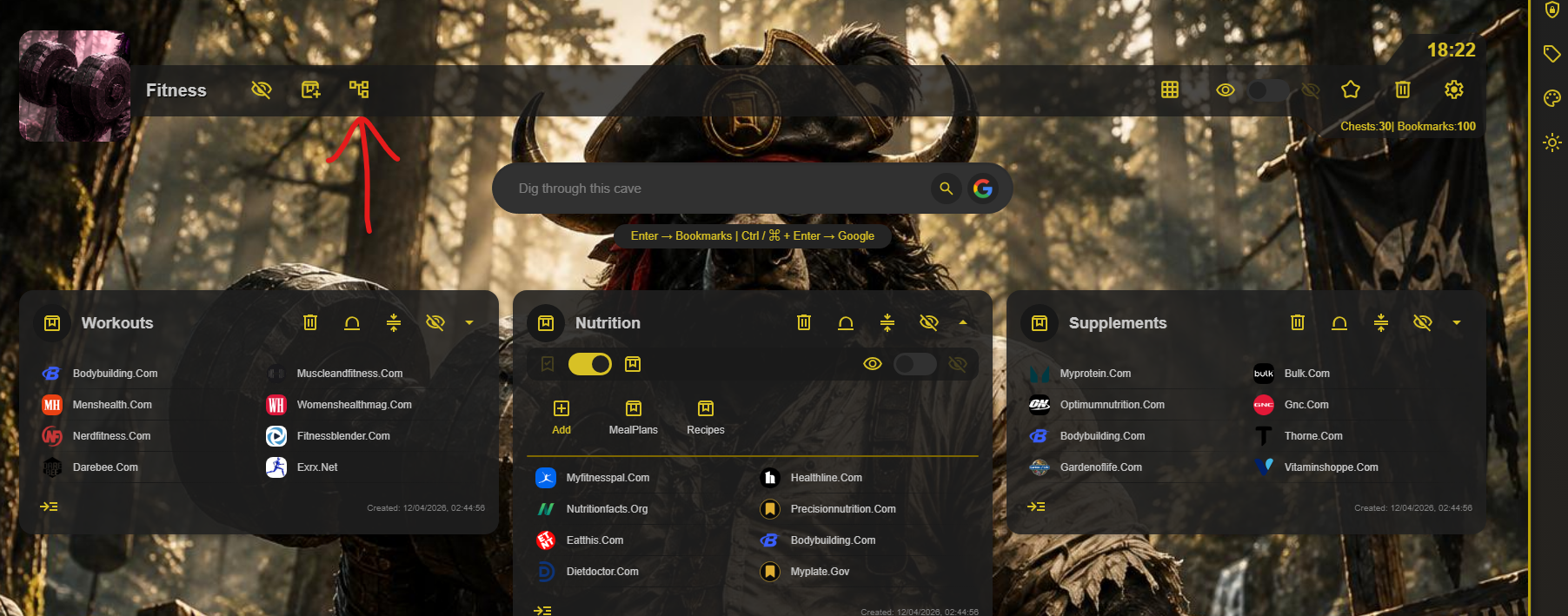
In Chest Map, right-click a Chest to create a new Chest. You can also drag Chests to a different position or parent Chest, and drag links into the Chest where they belong. 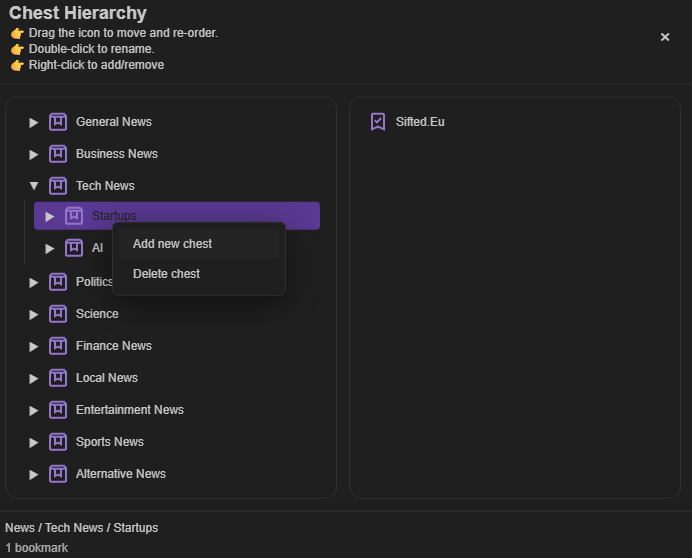
Open all links in a Chest
Select Open All Links at the bottom of a Chest to open every link at that Chest level.