Set a password before hiding content
Before you can hide Caves, Chests, or bookmarks, set up a password in Account Settings. Open Account Settings from the bottom-right corner, select Security & Privacy, and set your password. 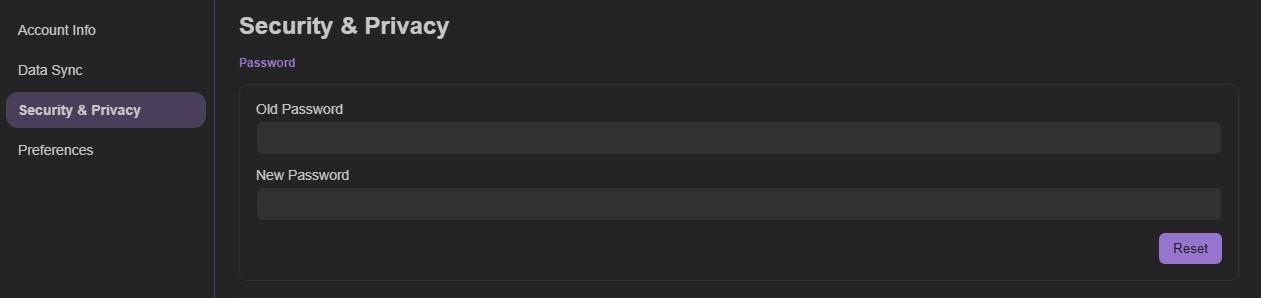
Use the same password with Fleet
On the Fleet plan, your password is synchronized across connected devices and browser instances.