Hide a Cave
Select Hide Cave at the top of a Cave. 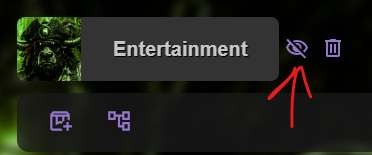
Once hidden, the Cave disappears from the Cave list on the left side of the page. When you are viewing hidden Caves, a crossed-eye icon appears next to them to show that they are hidden. 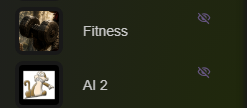
Hide a Chest
Select Hide Chest in a Chest’s top bar. 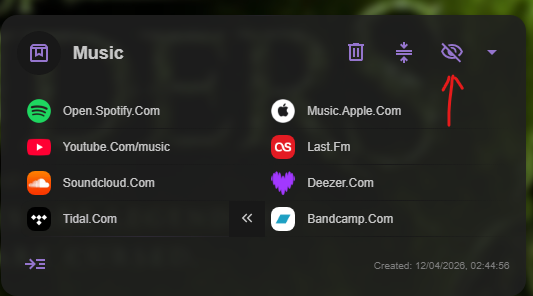
Once hidden, the Chest disappears from the Cave content. Turn on All Chests in the top-right layout panel to view hidden Chests. 
Hide a bookmark
Select the Hide action button on a bookmark to hide it. 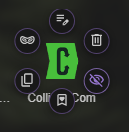
To view hidden bookmarks, turn on Hidden Bookmarks from the Chest action bar. 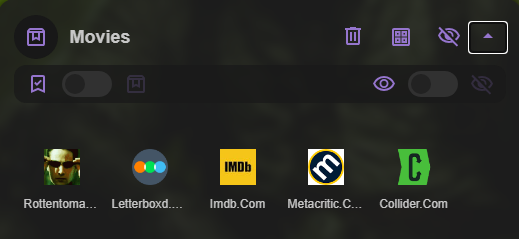
Choose when Caves of Wonders (CoW) asks for your password
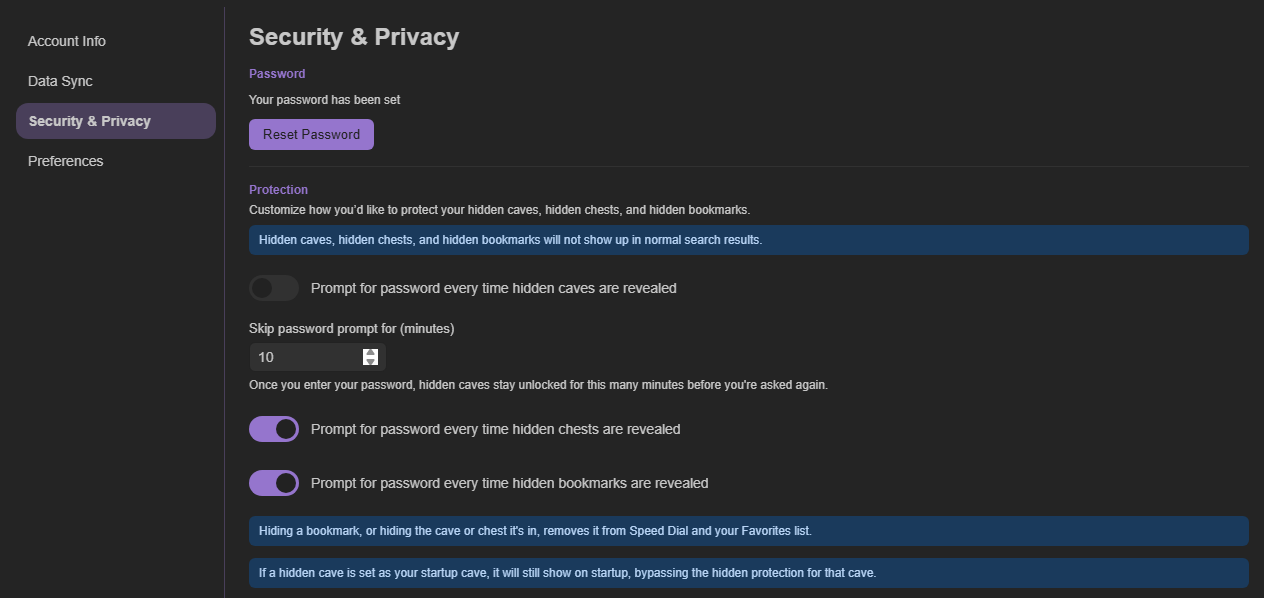
Enter your password to unlock hidden mode. By default, Caves of Wonders (CoW) asks for the password every time you select Show Hidden Content.
In Account Settings → Security & Privacy, choose how long Caves of Wonders (CoW) remembers the password before asking again. The default is 10 minutes, and you can set different values for Caves, Chests, and bookmarks.