Use inner Chests for nested folders
In Caves of Wonders (CoW), a Chest is the equivalent of a bookmark folder. You can create unlimited inner Chests inside a Chest when a project or topic needs another level of detail.
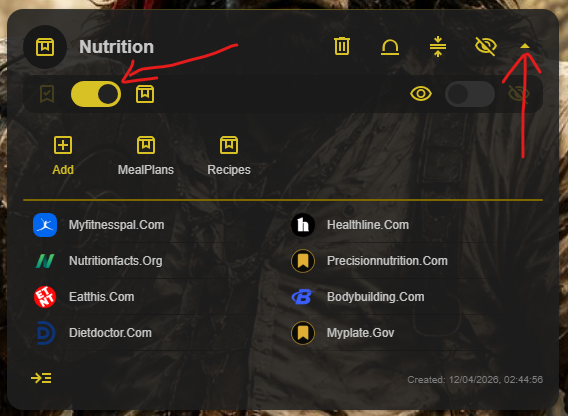
To open an inner Chest, use its expand control and switch to Chest view.
Use Chest Map when the structure grows
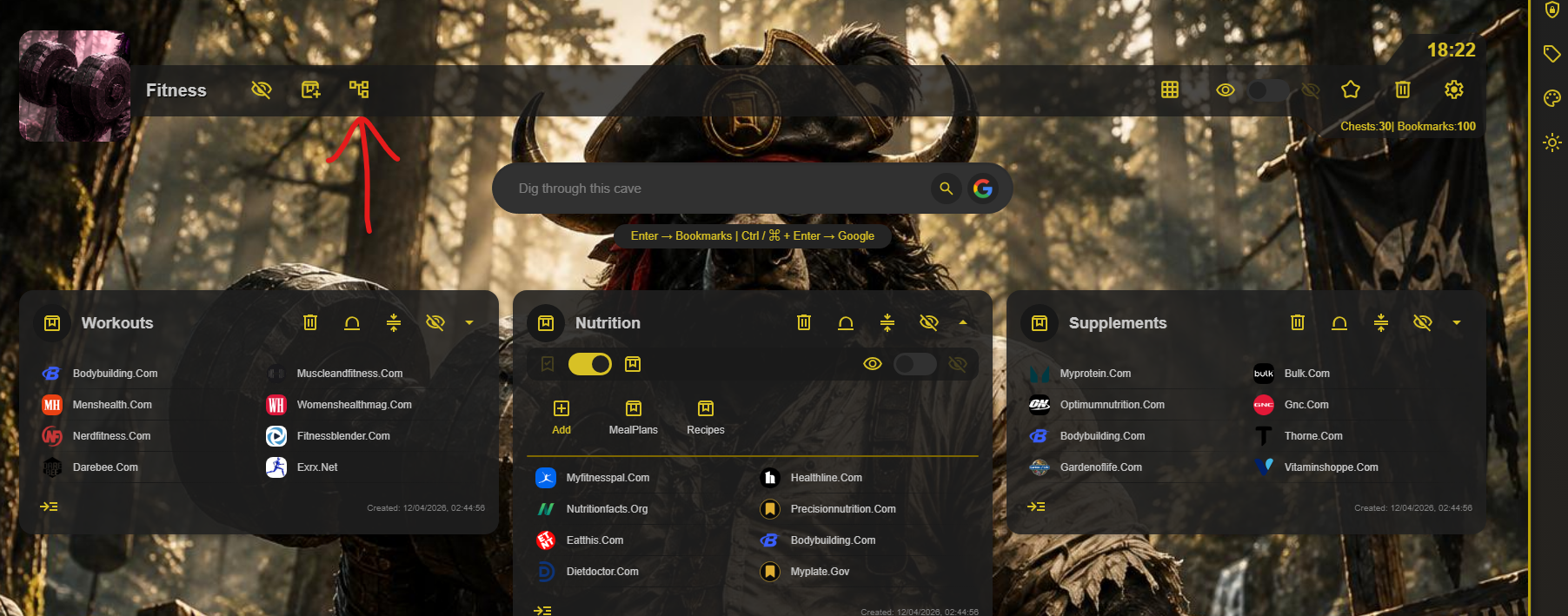
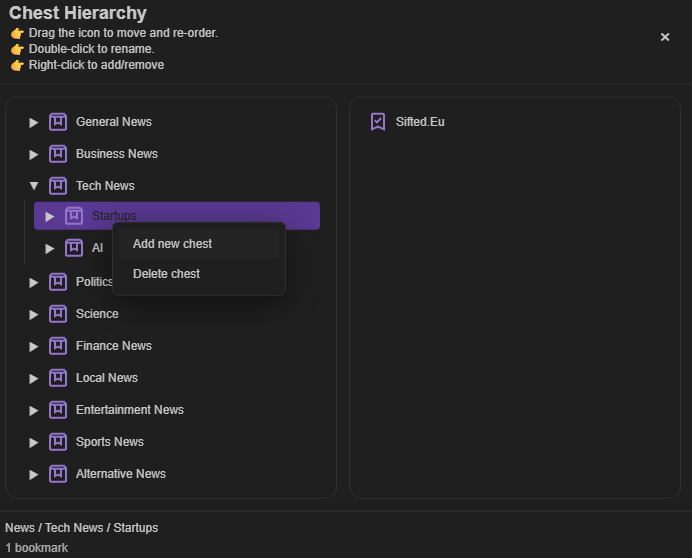
Select Chest Map at the top of a Cave to see its entire Chest structure as a tree. From there, you can create a new Chest and move Chests or links to a different parent.