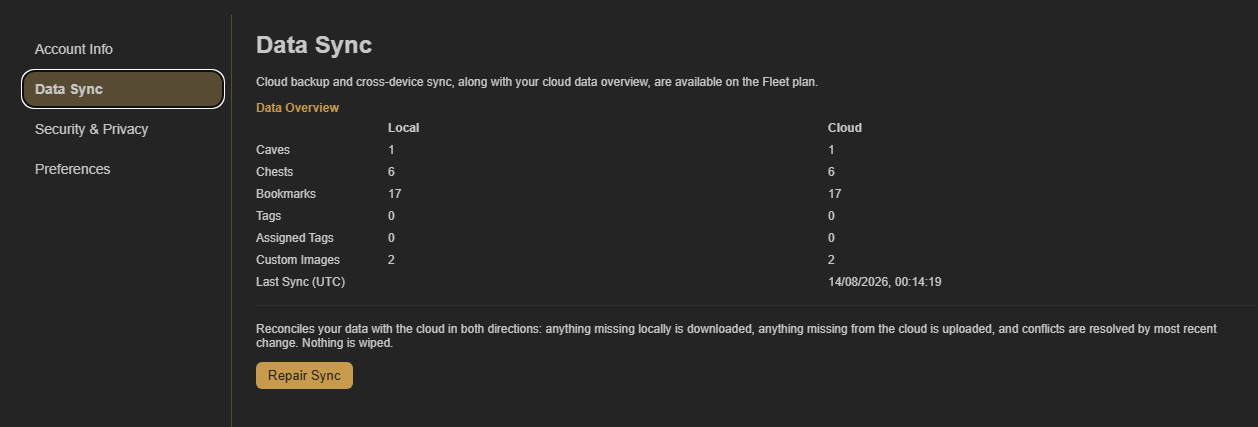
Give Fleet a moment to finish syncing
The Data Sync page shows local and cloud totals. Shortly after signing in or making a large change, those totals can differ while the collection is being reconciled.
Check the connection and account
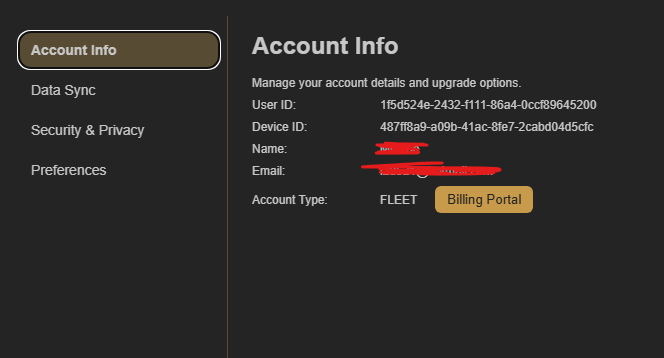
Keep both devices online. Then open Account Settings and select Account Info on each device. The email shown must be the same Fleet email.
Use Repair Sync if the counts stay different
Open Account Settings → Data Sync and select Repair Sync. CoW reconciles the local and cloud collection in both directions: missing local data is downloaded, missing cloud data is uploaded, and nothing is wiped.