Choose the Cave that opens first
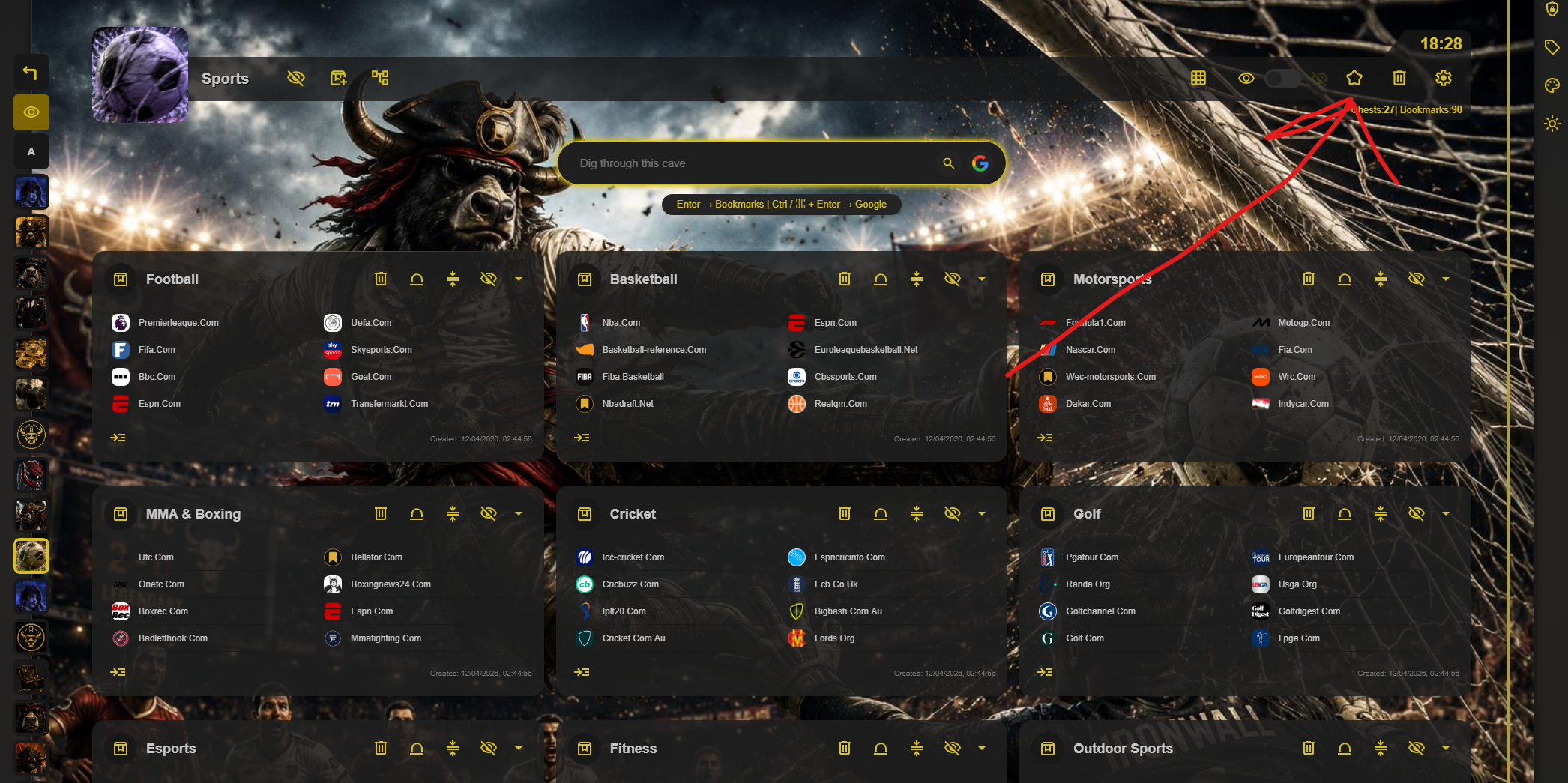
Open the Cave you want to see first, then select the star in its toolbar. This marks it as the default Cave for that browser’s Caves of Wonders (CoW) page.
Enable the CoW startup page
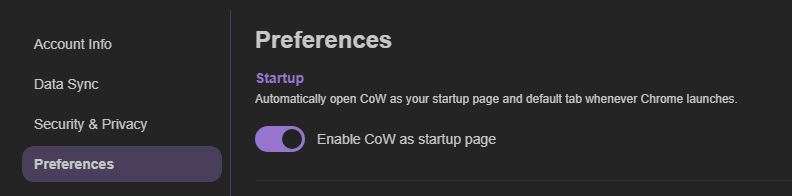
For the default Cave to open automatically, turn on Caves of Wonders (CoW) as your startup page. You can do this during setup or later from Account Settings, under Preferences.
Set a different default on each browser or device
Your chosen default Cave is kept locally, rather than shared everywhere. For example, you can make Work the default on a work browser and keep Personal as the default on another device.