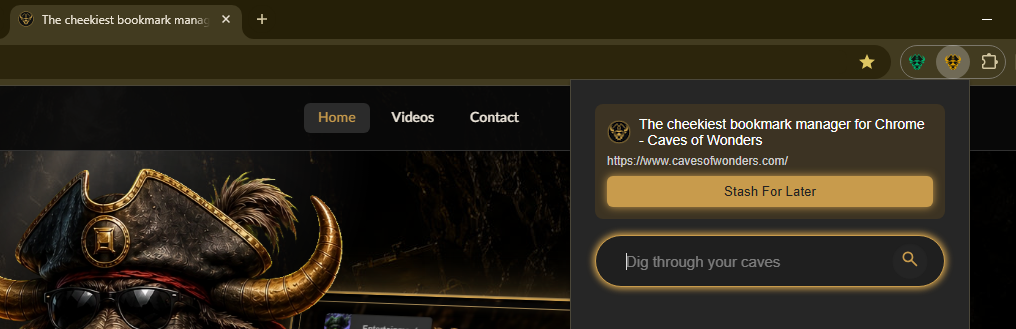
Start with the bookmarks you already have
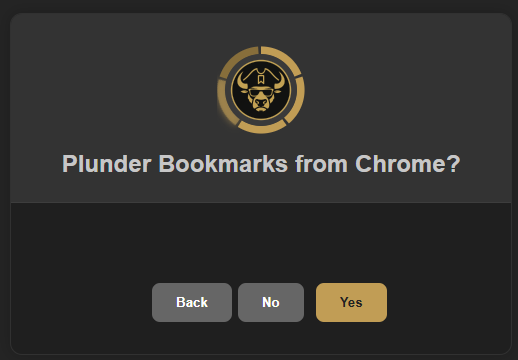
Install Caves of Wonders (CoW) from the Chrome Web Store. During setup, you can choose to import bookmarks from Chrome’s built-in bookmark manager, so you do not have to start from scratch.
Your imported bookmarks are placed in an Imported Cave, and your existing folders become Chests.
Create spaces that fit your life
Create a Cave for work, hobbies, entertainment, study, or anything else that needs its own place. Add Chests inside each Cave to organize related bookmarks.
You can save unlimited bookmarks on every plan, including the free Deckhand plan.
Save and find links when you need them
Use the Caves of Wonders (CoW) toolbar button on a page you want to keep, then choose Stash For Later. The popup helps you choose where to save it.