Enable Caves of Wonders (CoW) as your startup page
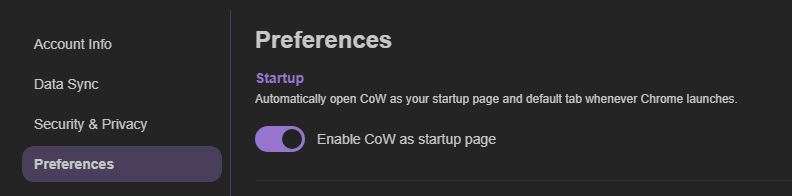
During setup, you can enable Caves of Wonders (CoW) as your startup page. You can also open Account Settings, select Preferences, and enable the setting there.
Open the Cave you need first
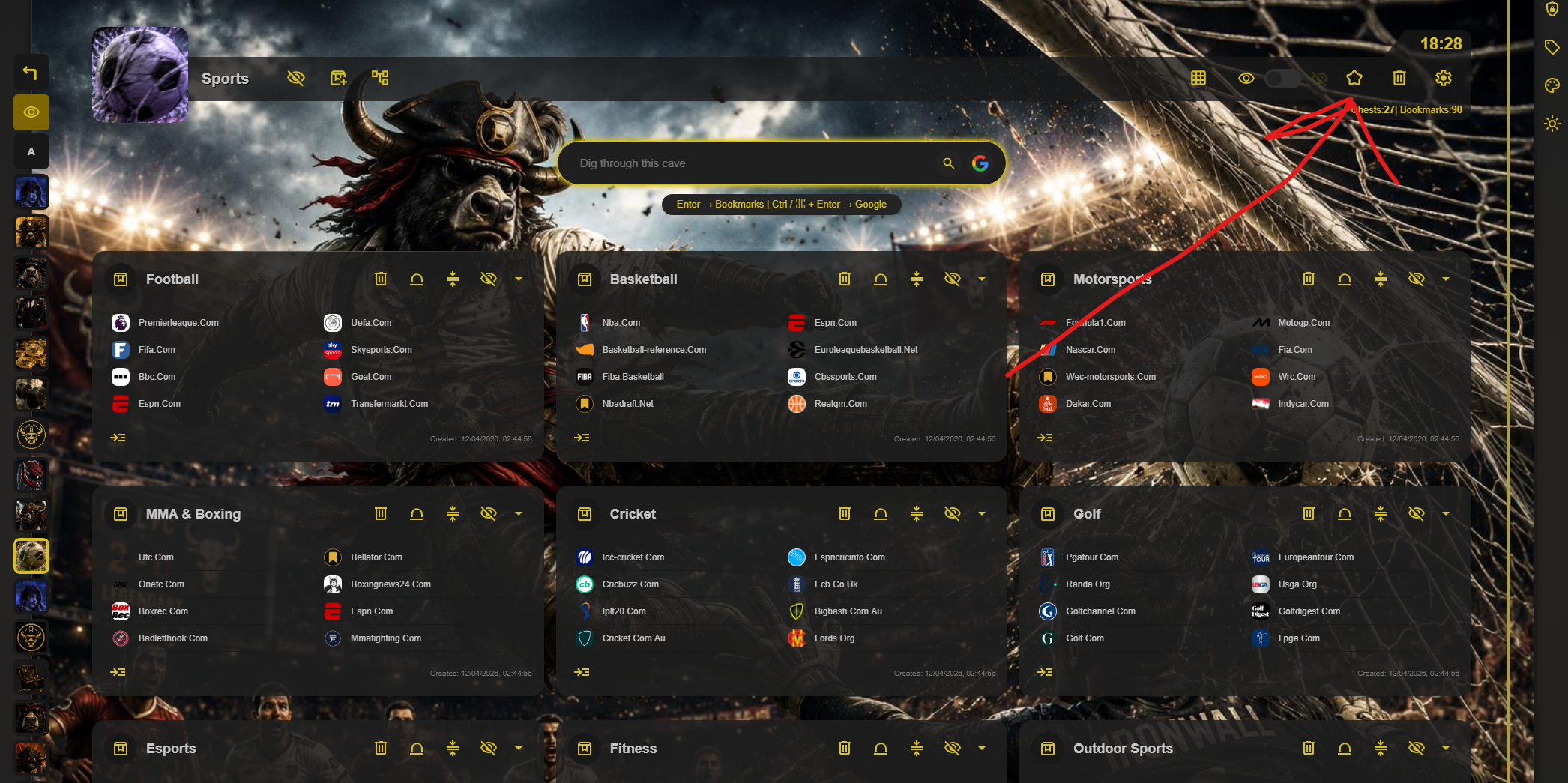
Set a Cave as your default by selecting the star button in its toolbar. This setting is local, so different browsers and devices can open different default Caves.
Keep the Chrome setting
If Chrome asks whether you want to revert the startup setting, select Keep to stop the prompt from appearing again.