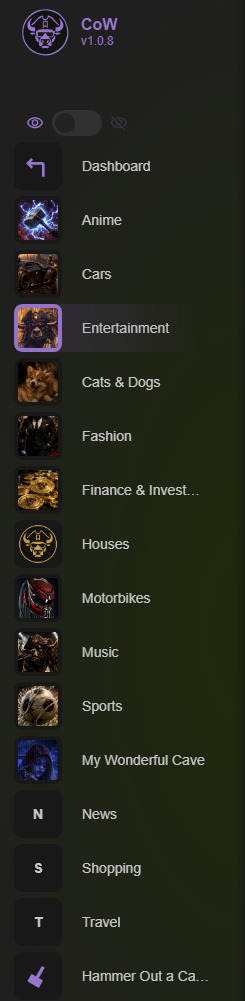
Create a Cave for each part of your life
Use separate Caves for work and personal bookmarks. You might add more Caves for hobbies, study, or entertainment when those collections need their own space.
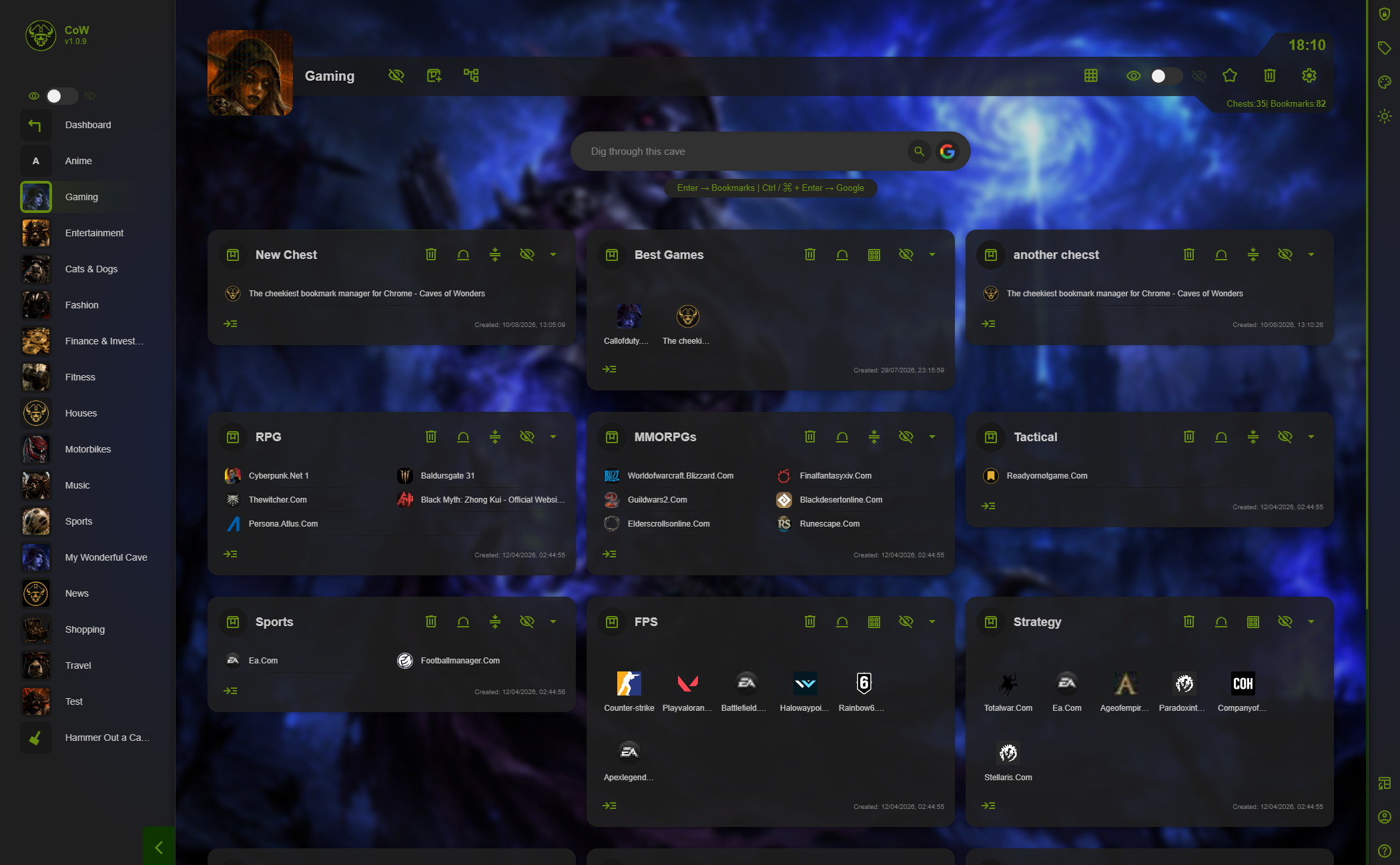
Use Chests for the details
Inside a Work Cave, create Chests for projects, research, and tools. Inside a Personal Cave, use Chests for the groups of links you use most. You can create unlimited Caves, Chests, and bookmarks on every plan, including the free Deckhand plan.
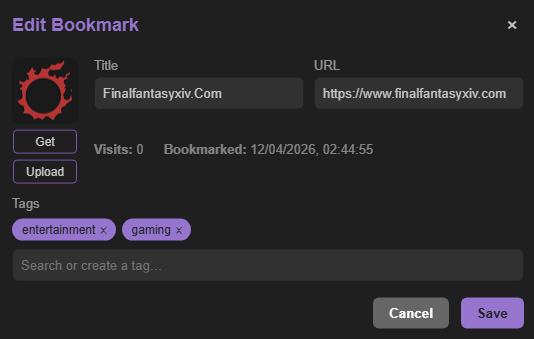
Use tags when a link crosses categories
Tags help you find related bookmarks without putting the same bookmark in multiple places.
Create your first Cave or learn about tags.
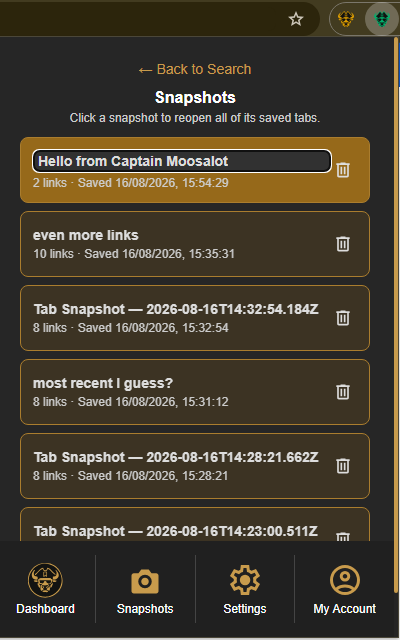
Set aside a temporary work or personal session
Some browser windows are useful only until a task is finished. Rather than mixing those open pages into your work or personal bookmarks, save them as a Tab Snapshot and keep the two long-term collections clear.
Use the Caves of Wonders (CoW) toolbar button and choose Save All Open Tabs. The popup counts the tabs in the current window before you create the snapshot.
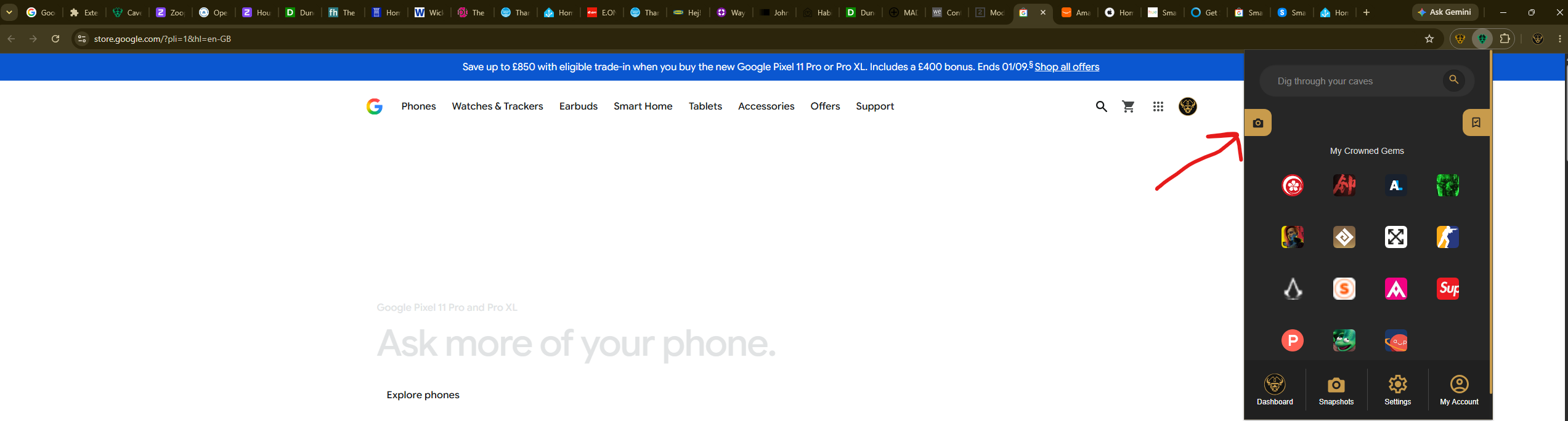
To continue the session, open the CoW popup, select Snapshots in the bottom navigation, and select the appropriate saved card. It reopens all saved pages together.