Open Tag Manager
Select Tag Manager in the top-right sidebar to manage your tags. 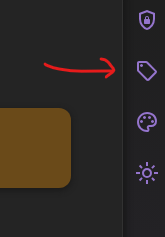
Create and use tags
You can create as many tags as you need. When you select an existing tag, Tag Manager shows the bookmarks assigned to it. 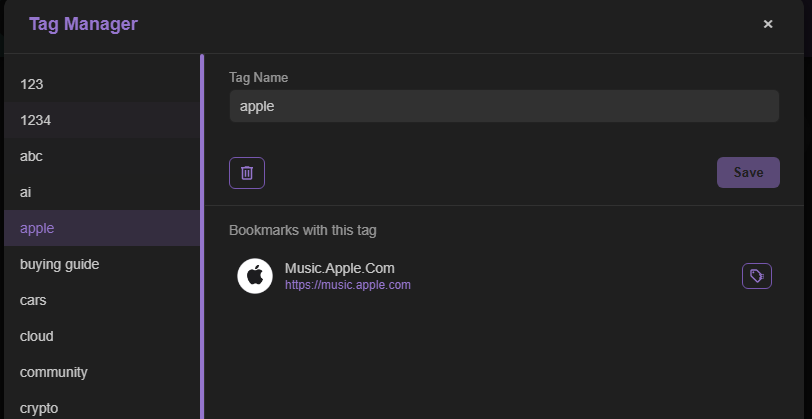
Create a tag while editing a bookmark
Select Edit on a bookmark, then type a tag name in the Search or Create a Tag field and press Enter to create it. 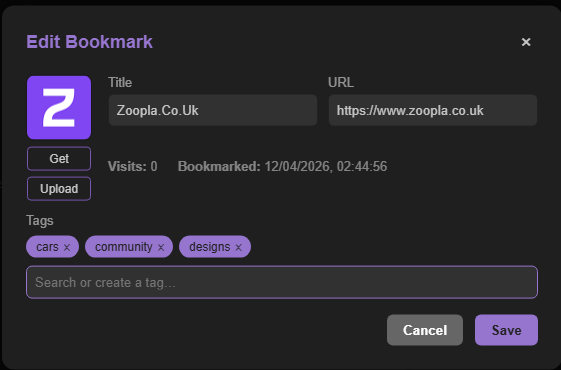
Search tags
All tags are searchable, making it easier to find the links you need.
Tag Manager and tags are available on every plan: Deckhand, Captain, and Fleet.