Edit the bookmark
Open the bookmark’s controls and select Edit. The controls appear differently depending on the view you use: beside a bookmark in list view, in the expanded action row, or around a bookmark icon in icon view.

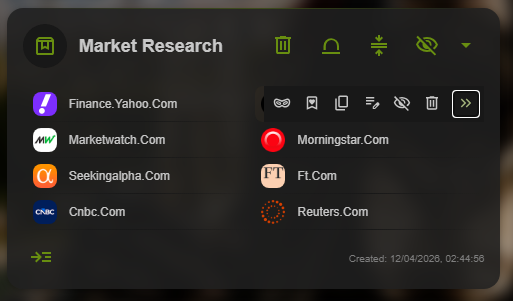
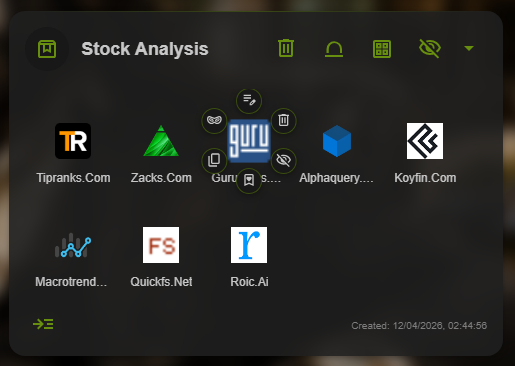
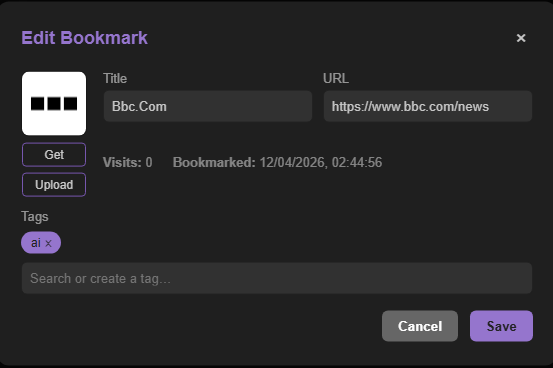
In the Edit Bookmark window, update the Title field so it is easy to recognize later, then select Save.
Use names that make sense to you
A clear title makes search and scanning easier. Rename a bookmark when the website’s default title does not explain what you saved.