Rename the Cave from its title
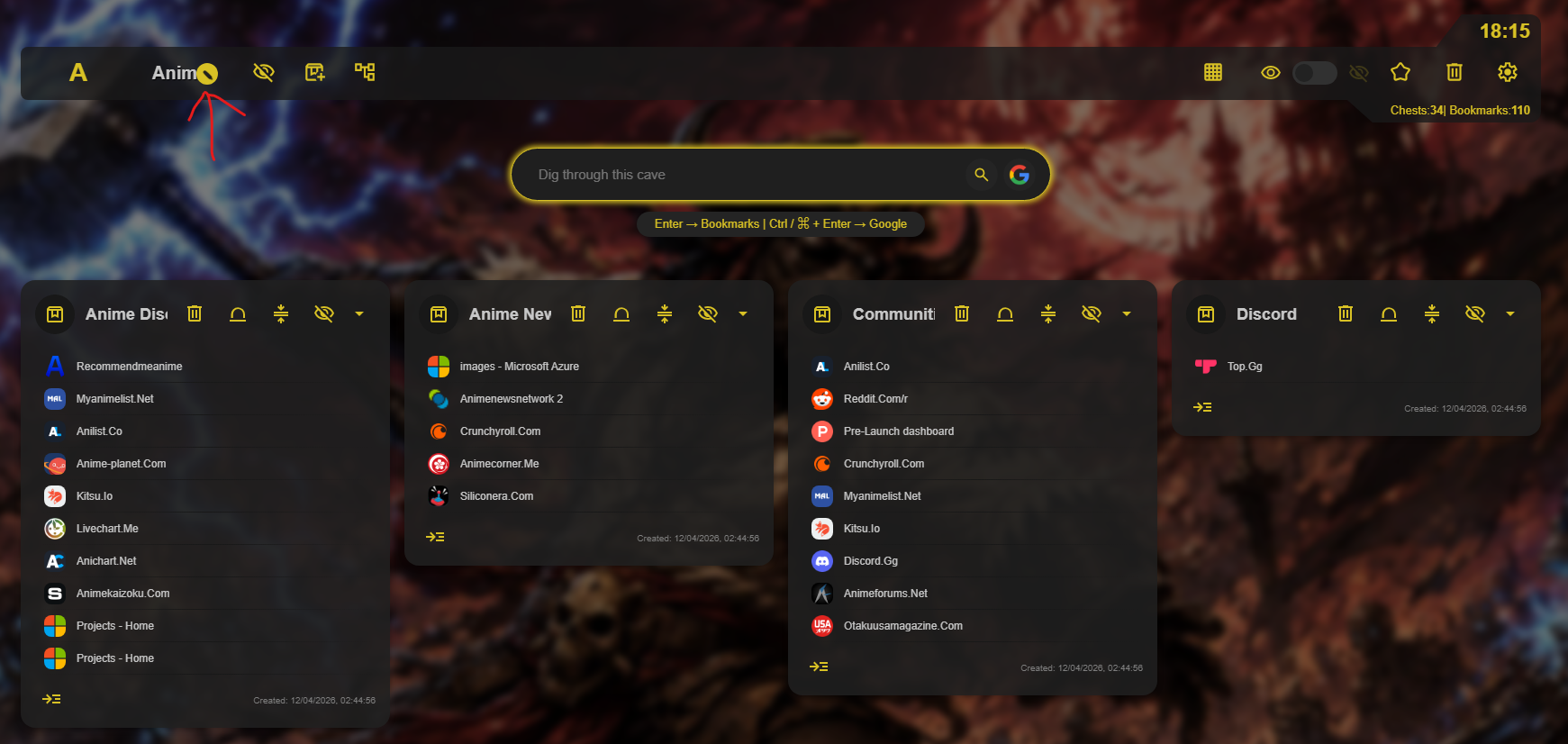
Hover over the Cave name, then select the edit icon that appears beside it. An inline editor opens so you can enter the new Cave name without leaving the page. Press Enter or click anywhere else when you are done to save the change.
Use names that are easy to scan
A short, clear Cave name makes it easier to move between collections from the sidebar and choose where a new bookmark should be saved.