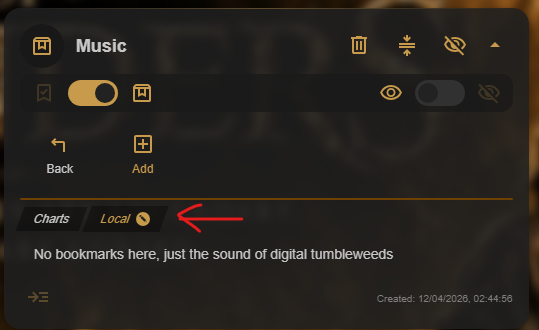
Rename a Chest from its title
Hover over the Chest name, then select the edit icon that appears beside it. An inline editor opens, so you can change the name without leaving the Cave. Press Enter to save.

Rename an inner Chest
Inner Chests work the same way. Hover over the inner Chest name, select its edit icon, enter the new name in the inline editor, and press Enter to save it.
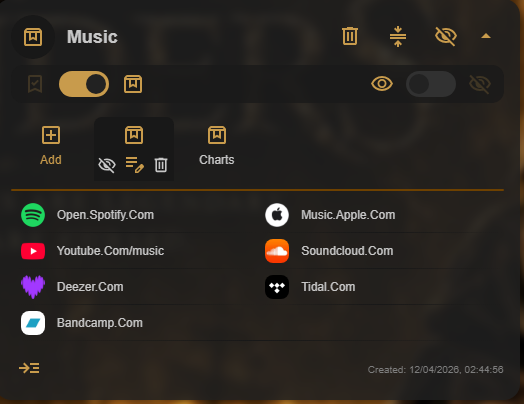
Rename a Chest in Chest Map
When you need an overview of a larger structure, open Chest Map. Double-click a Chest name in the hierarchy, type the new name in the inline editor, and press Enter to save.
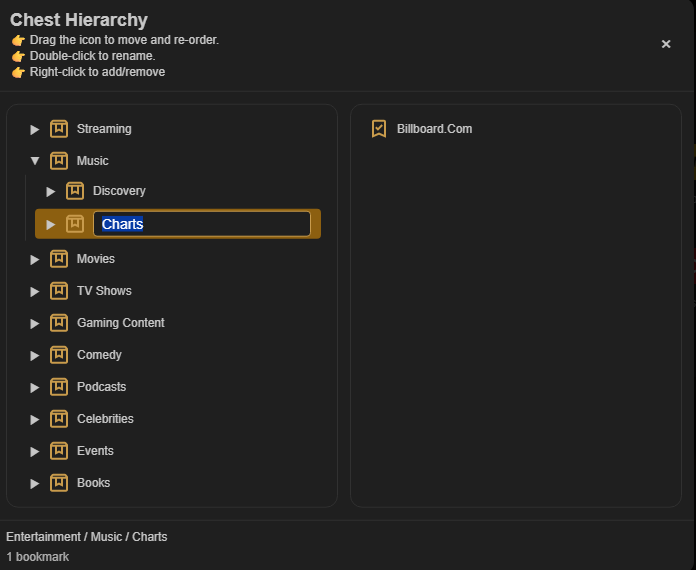
Rename the Chest you are currently viewing
When you are already inside an inner Chest, hover over its name in the breadcrumb. Select the edit icon, change the name in the inline editor, then press Enter to save.