Save the page you are viewing
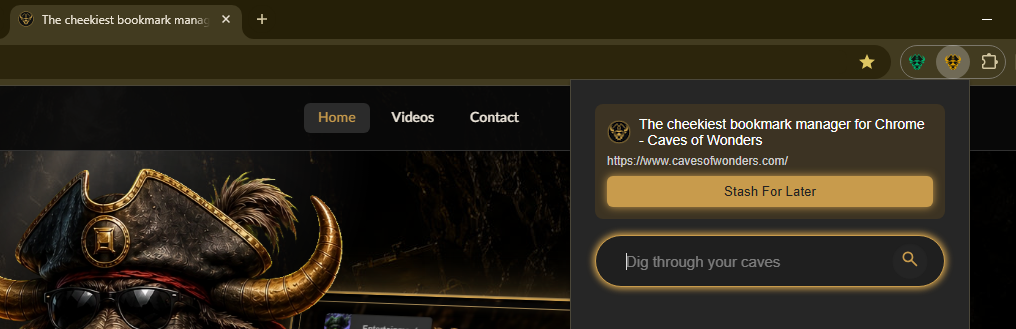
Navigate to the web page you want to keep. Select the Caves of Wonders (CoW) toolbar button, then choose Stash For Later.
The popup guides you through choosing where the bookmark should go.
Manage a saved bookmark later
Select a bookmark to open it. You can also edit or delete a bookmark when you need to. Drag and drop bookmarks to change their order or move them to a different Chest.