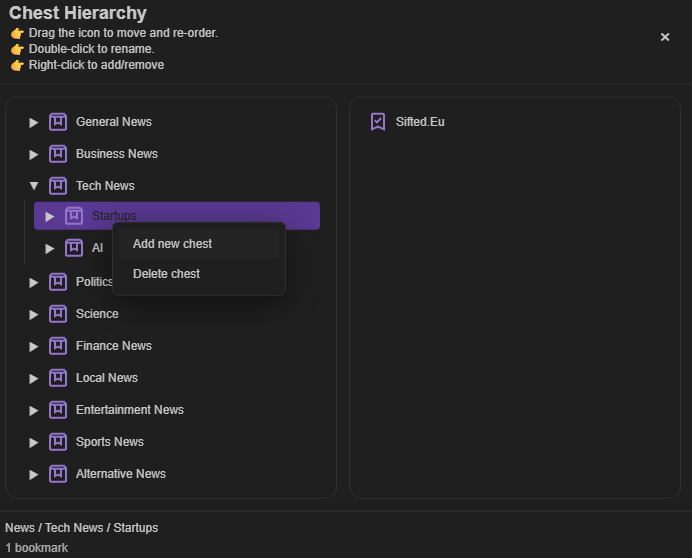
Open a Cave's full folder map
Choose the Chest Map icon in a Cave’s top toolbar. It opens a tree that lays out every Chest and inner Chest in that Cave, which is useful when the collection has grown beyond a quick scan.
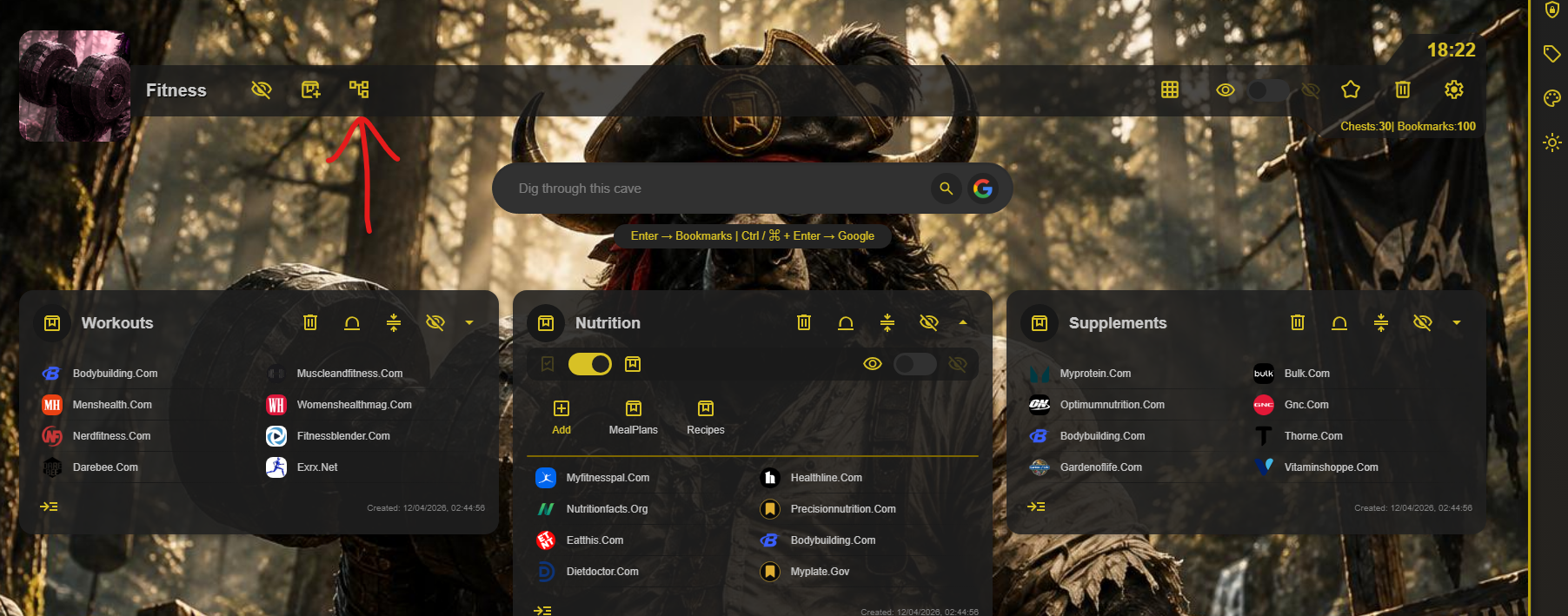
Manage your structure from one view
Chest Map is more than an overview. Right-click a Chest to add another one, drag a Chest to reorder it or place it under a different parent, and drag bookmarks into the Chest where they belong.