Yes, use each tool for a different job
Caves and Chests give a bookmark a clear home. Tags add flexible labels that can connect the same bookmark to more than one topic.
Keep one bookmark, add the tags you need
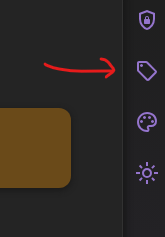
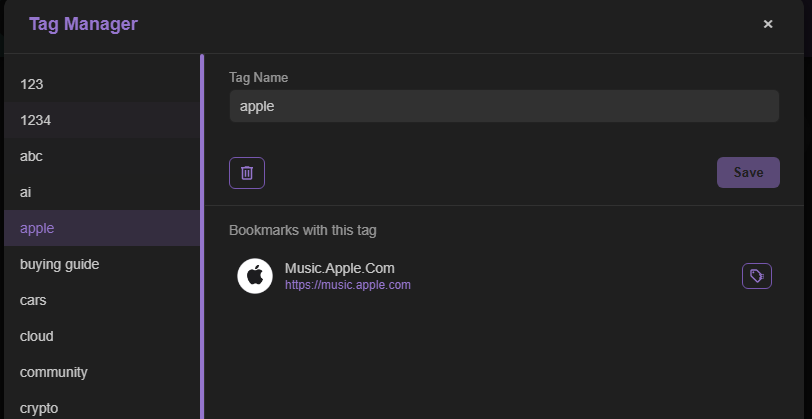
Instead of saving duplicate copies of a link in several folders, keep it in the Chest that makes the most sense and add the relevant tags while editing it. Tag Manager then lets you view bookmarks assigned to the same tag.
Save temporary tab groups without changing your organization
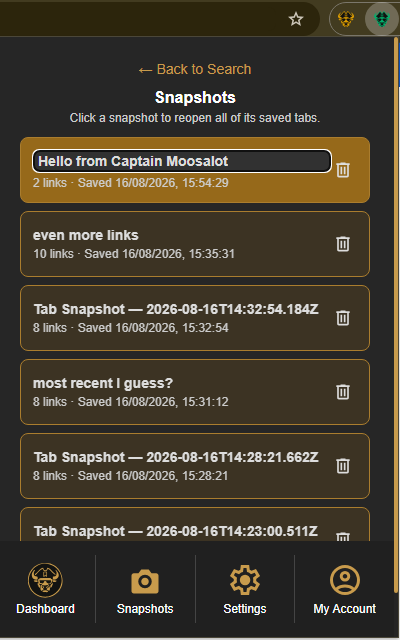
Use folders and tags when a link should remain part of your library. When you only need a group of pages for a temporary purpose, keep it separate with a Tab Snapshot rather than filing each tab before you are ready.
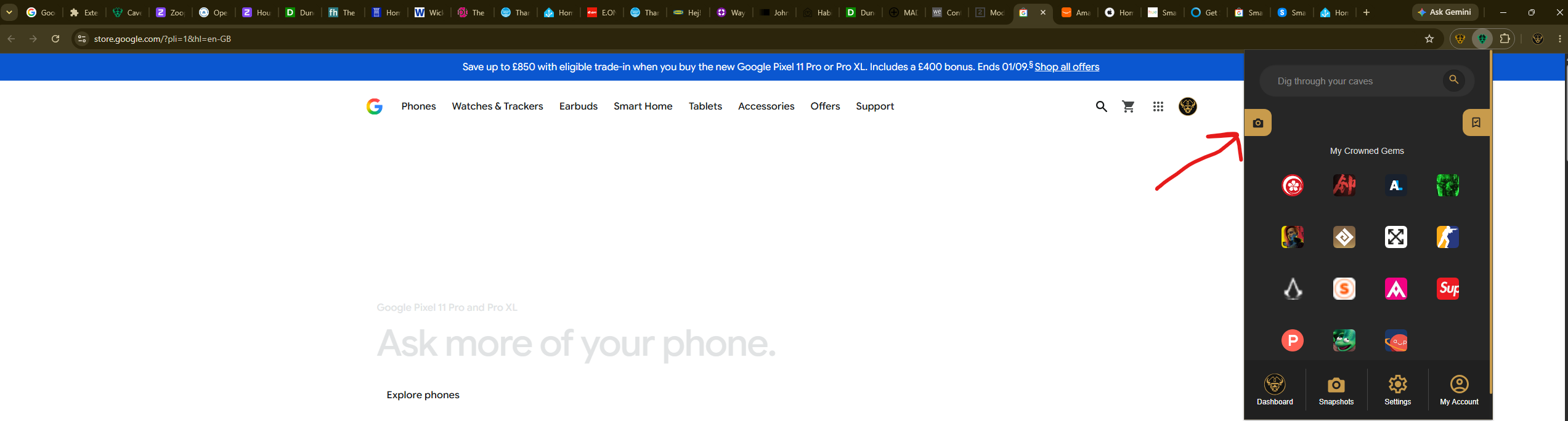
Select the Caves of Wonders (CoW) toolbar button and choose Save All Open Tabs. The current window is saved as a single session, and its tab count appears in the popup.
Later, select Snapshots from the popup's bottom navigation. Find the session by its name, link count, or saved time, and select the card to reopen the complete tab group.