Yes, GIF Cave icons are available on Captain and Fleet
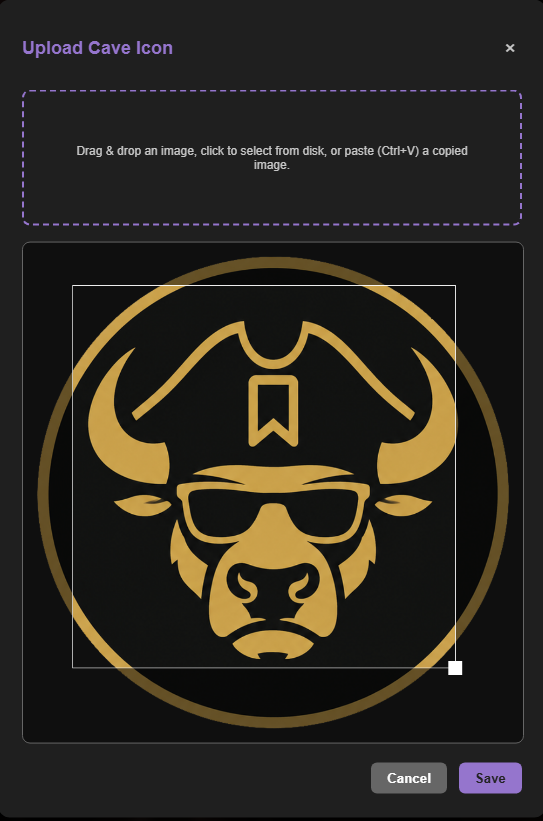
Captain and Fleet users can use an animated GIF instead of a static Cave icon. Hover over the Cave icon, select its edit button, and add your GIF in the upload window. You can reposition and resize the selected area before saving the new icon.
Choose when icons animate
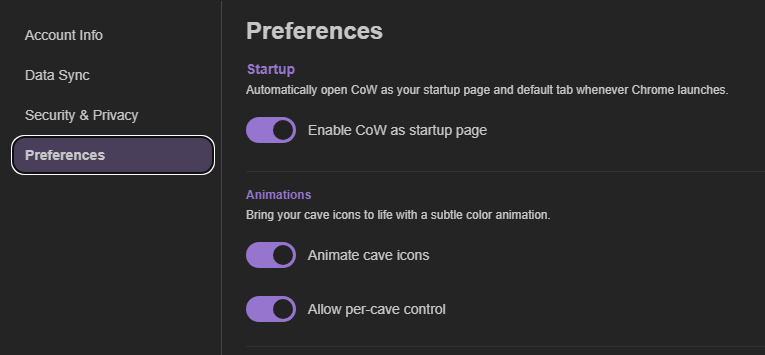
Your GIF will display as an icon, while animation is controlled through your preferences. Open Account Settings, choose Preferences, and turn on Animate Cave Icons. From there, you can enable animation for every Cave or decide it one Cave at a time.
Add an optional glow effect
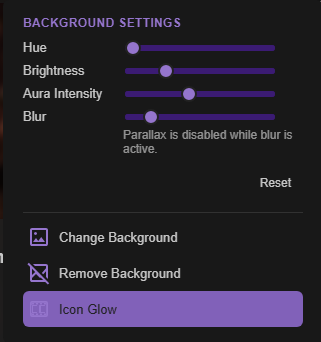
For an extra visual touch, Captain and Fleet users can also turn on Icon Glow from a Cave’s Background Settings.